Today, I have updated my TMS products on my VM, using the TMS Smart Setup program:
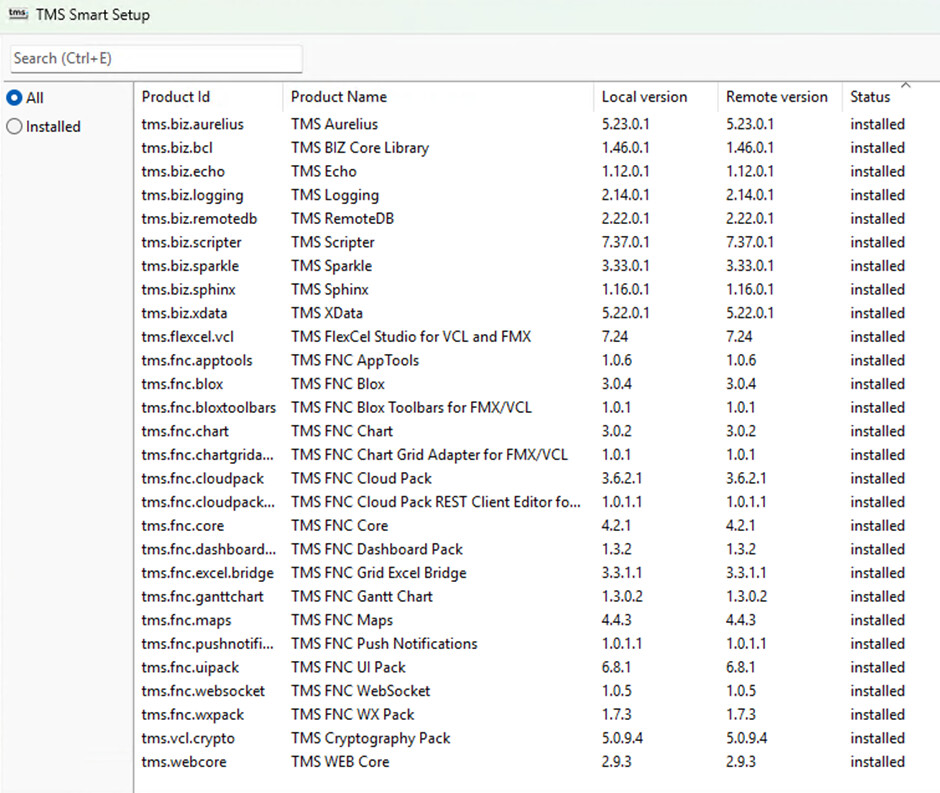
The installation was successful, and it appears that everything had built fine. As is standard practice, after the install, I restarted the VM.
However, when I start the Delphi IDE I’m plagued with error messages:
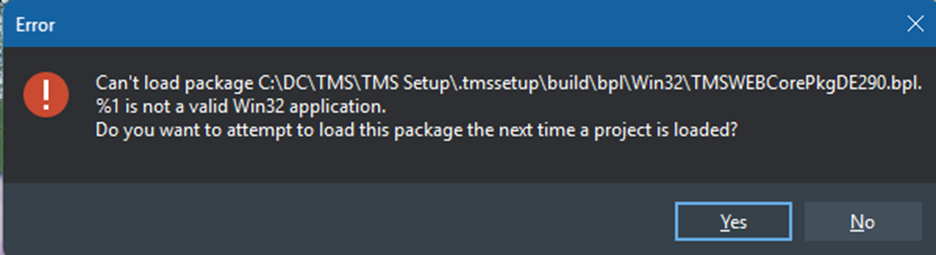
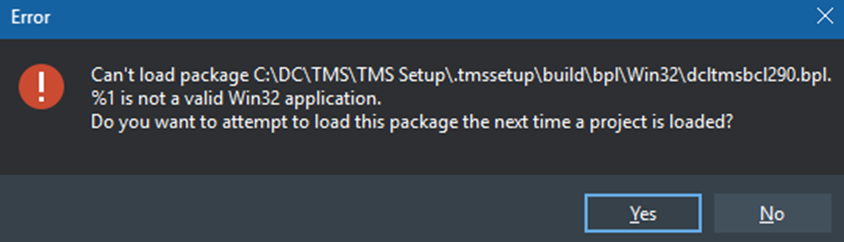
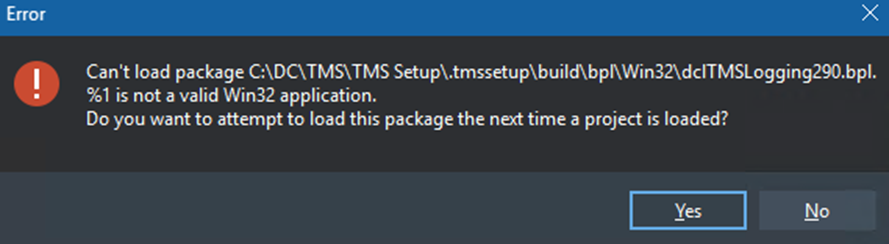
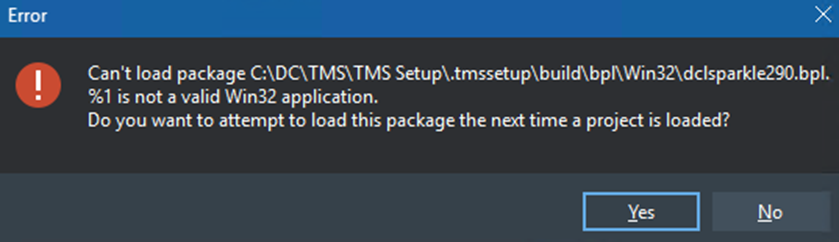
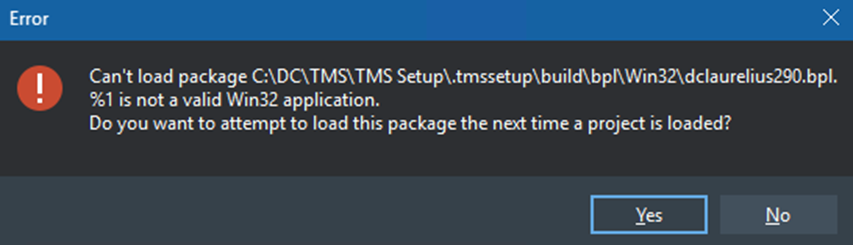
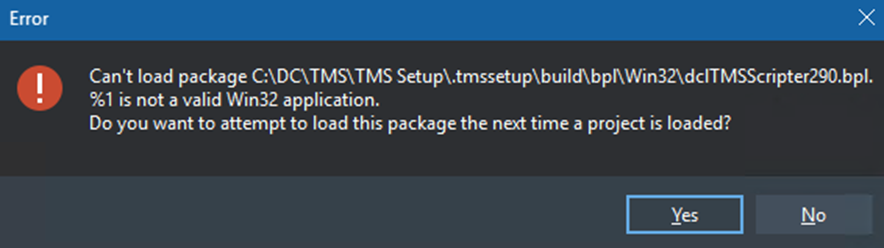
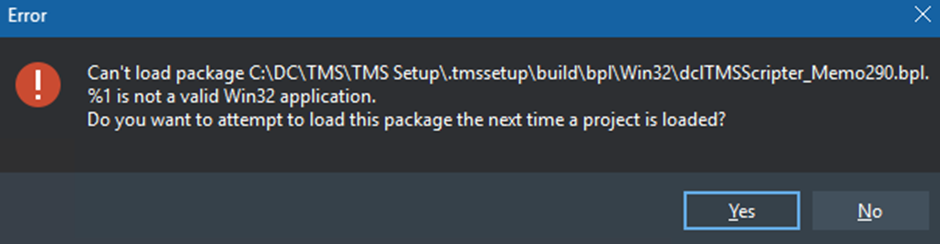
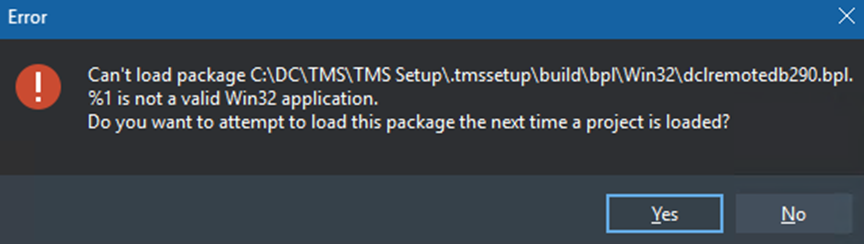
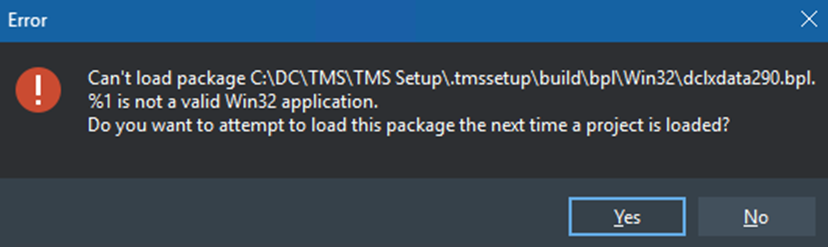
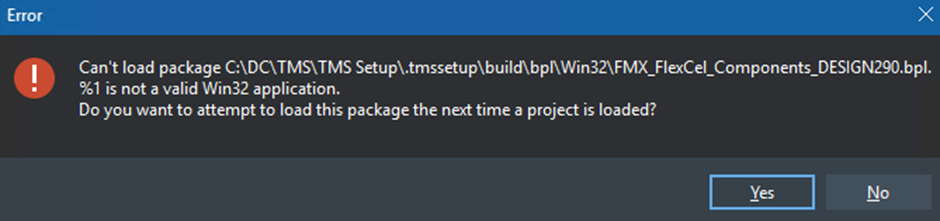
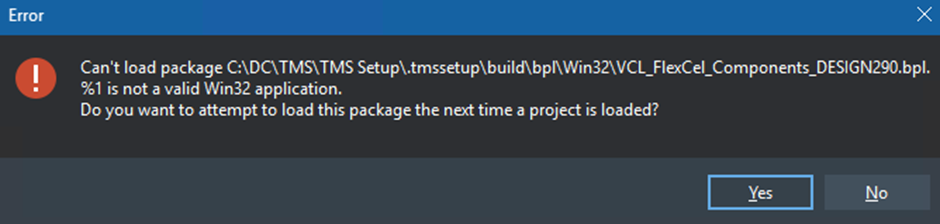
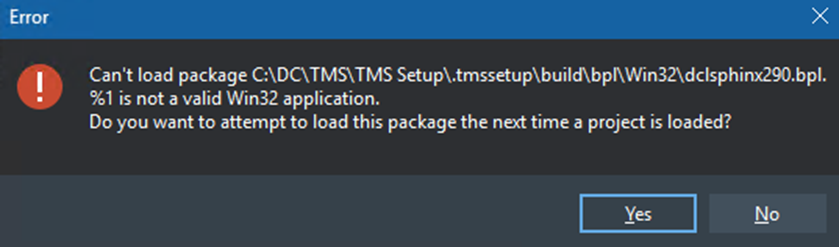
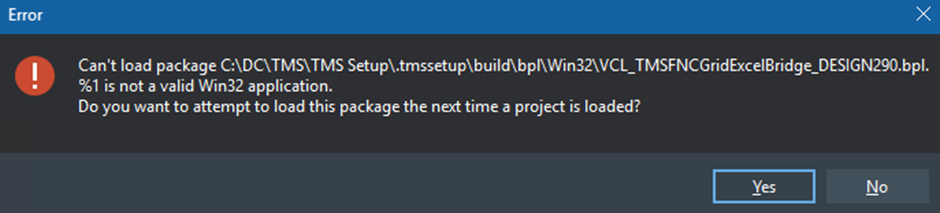
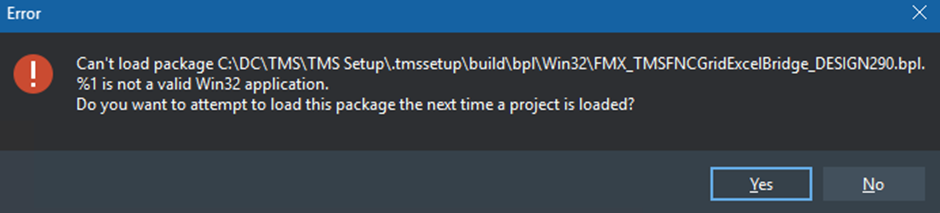
I then performed a Full Build in the Smart Setup application, to see if that helped, but I still had the same results.
I then uninstalled everything, restarted the VM, and re-installed everything.
There was no difference with the result.
I have made a backup of that VM and restored my previous version.
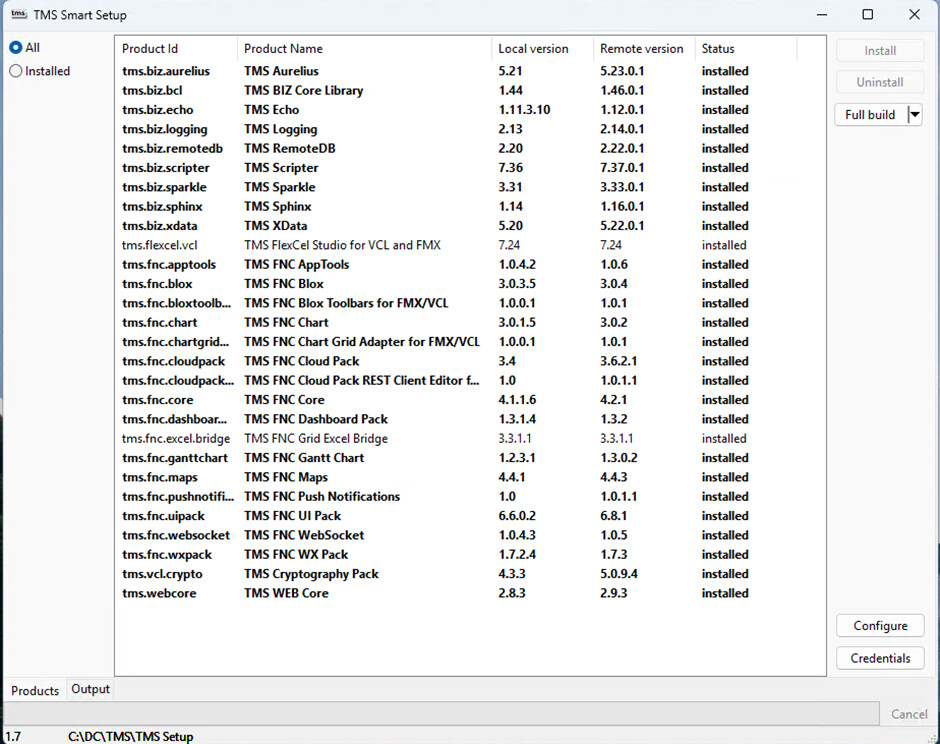
My current (working) setup is highlighted below:
I've also attached the log files from the smart install program.
logs.zip (963.3 KB)
This setup has no problems at all, and is the base that I updated my TMS files on.
For now, I'm going to keep running my old version. I'm also not the only person to have this issue within the company.