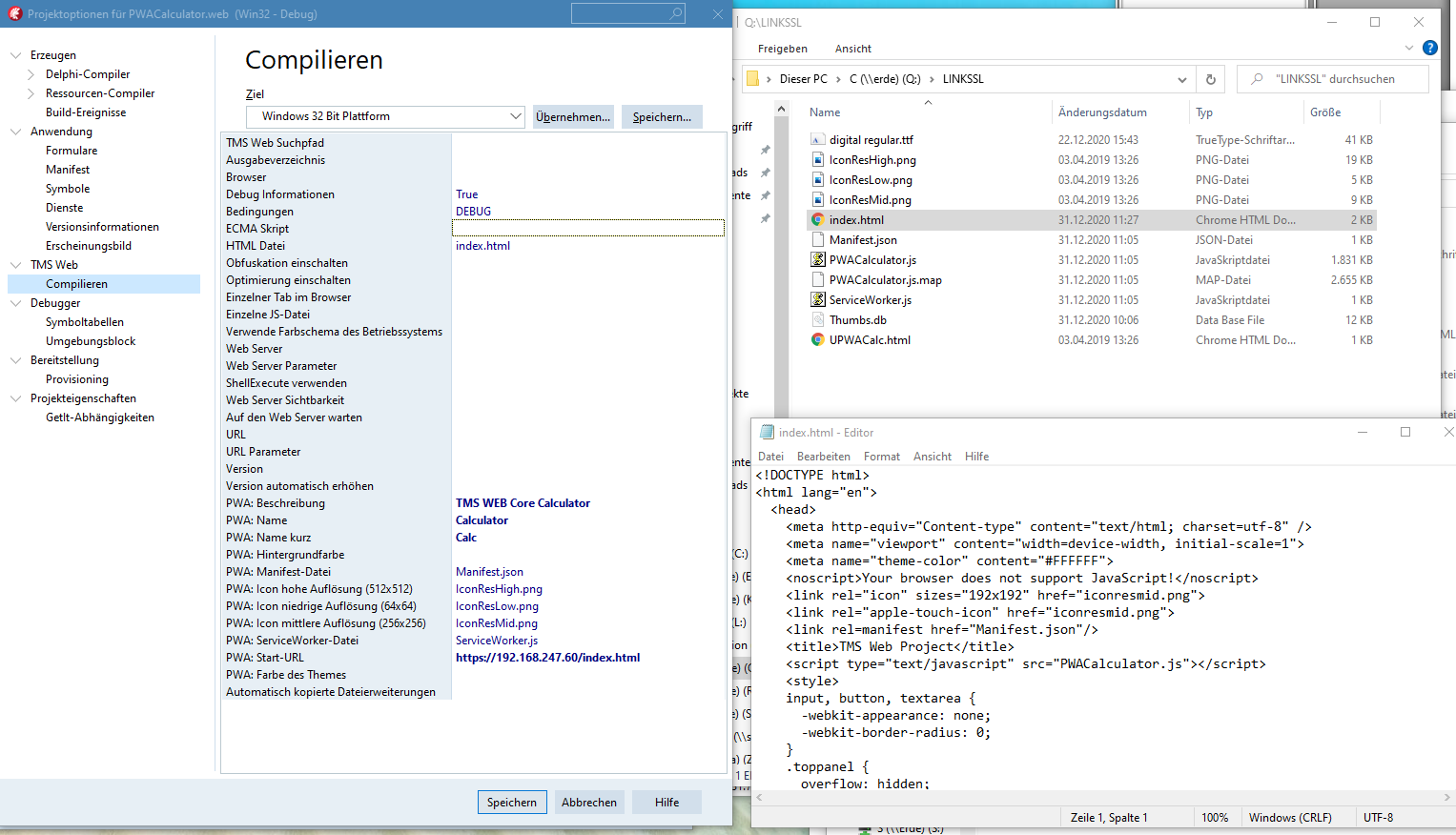
i try to run your PWA example on my IIS and get problems with the desktop icon on
my ipad with ios 14.3
In Safari i start TMS Web Project. Then i add this
app to home screen. Everything is running well and i see the TMS logo with the green dot on my desktop.
Now i compile your example and copy all files to my IIS (runs on 192.168.247.60).
In Safari i now start https://192.168.247.60/index.html and get the same calculator app and the app runs ok. But when i try to add this app to home screen i do not see the TMS logo but a dummy screenshot icon.
I cannot inspect this from here as this appears a local IP address.
Are you sure you use this local IP address from a correct working HTTPS enabled server?
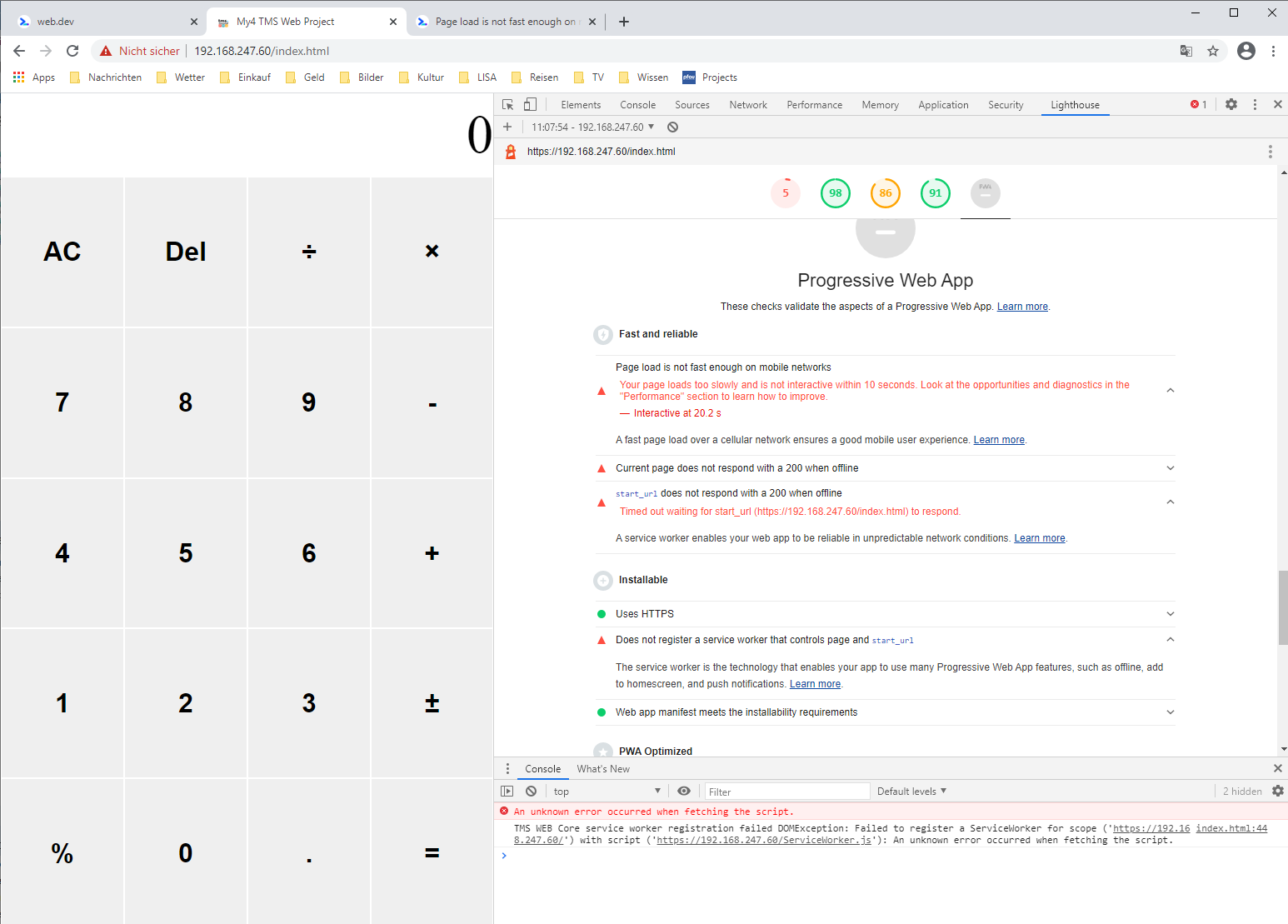
I suggest to use the Chrome Lighthouse tool to inspect if everything is OK with your PWA.
Look at serviceworker.js, it is possible there is a questionmark ? in front of the code.
Remove that questionmark. That was a bug that is internally here (and in beta 1.6) already fixed.