I’m using TMS XData v5.17.0.2 together with TMS WEB Core, and I noticed that the TXDataWebDataSet.Load method in XData.Web.Dataset is completely empty.
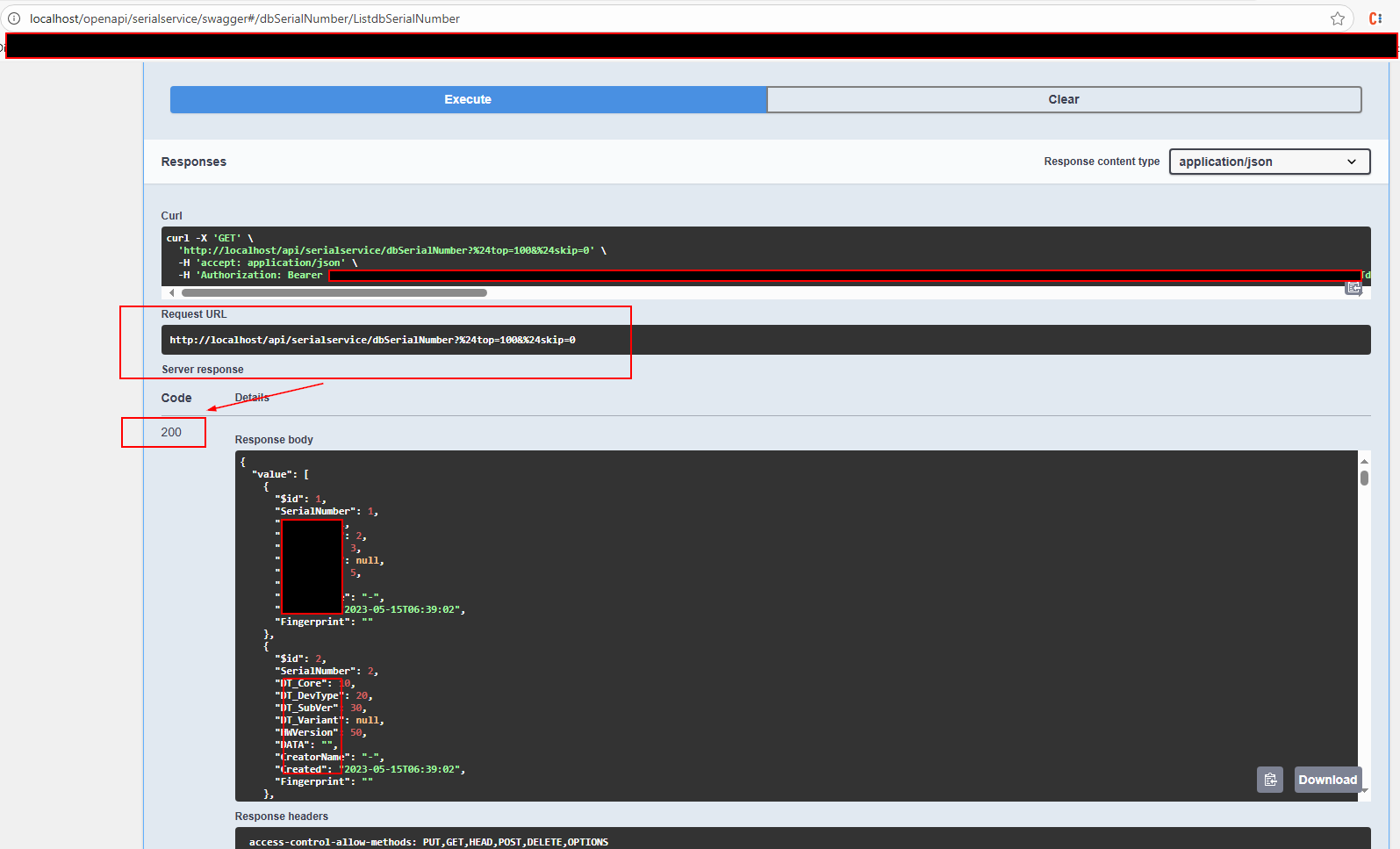
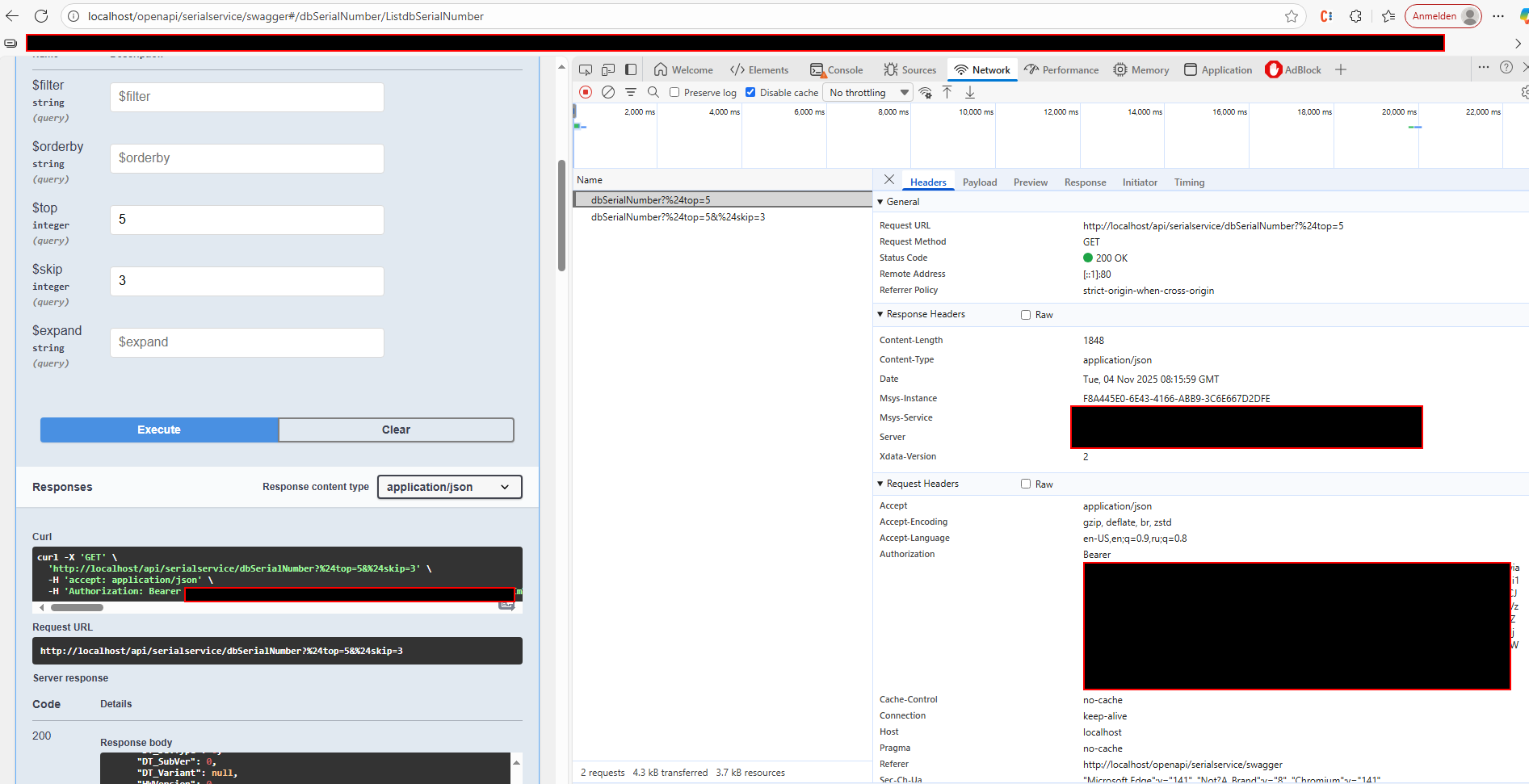
When I try to load data, nothing is retrieved, although the same endpoint works correctly when tested in Swagger.
Here’s the example code I’m using:
procedure TFrmDTDevices.Button1Click(Sender: TObject);
begin
XDataWebConnection1.URL := '[http://localhost/api/serialservice/';](http://localhost/api/serialservice/%27;)
XDataWebConnection1.Connected := False;
XDataWebConnection1.Connected := True;

XDataWebDataSet1.Connection := XDataWebConnection1;
XDataWebDataSet1.EntitySetName := 'dbSerialNumber';
XDataWebDataSet1.Load; // Open doesn't work
end;
In the unit XData.Web.Dataset;

procedure TXDataWebDataSet.Load;
begin
end;
Could you please clarify why TXDataWebDataSet.Load is empty in the source and why this example doesn’t load any data, even though the REST endpoint itself works fine in Swagger?
There are 2 sets of source code - the one that is used in the IDE and the one used to build in Pas2JS. Clicking in Delphi to open the unit loads the first one. The ones for Delphi are often empty. look in tms.biz.xdata\source\core\web for the one that get's compiled into the webcore app:
procedure TXDataWebDataSet.Load;

  procedure LocalExecute;
  begin
    inherited Load([], nil);
  end;

begin
  EnsureConnected(@LocalExecute, nil);
end;
@Weetch_Russell explained the empty Load method - thank you!
About not working: all server connections in web browser applications are asynchronous. You set the Connected property to True, you should wait until that request completes and only then you should try to do a second request (calling Load).
The documentation explains it and how to properly connect to the server using the TXDataWebConection, how to call Load and the asynchronous nature of it:
Hello,
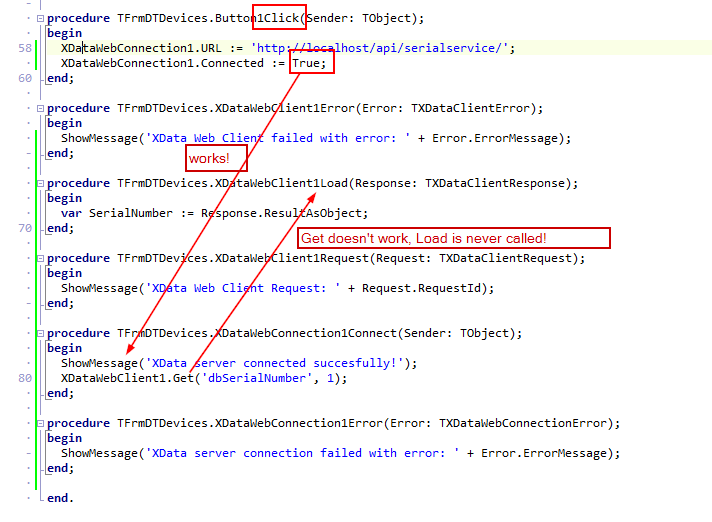
Thank you for your help and the information provided. I followed the documentation, but it still doesn’t work — my requests from the Delphi application are not being executed successfully.
I have added the events at design time. The only event that is triggered is OnConnect — no other events (like OnError, OnLoad, etc.) are triggered.
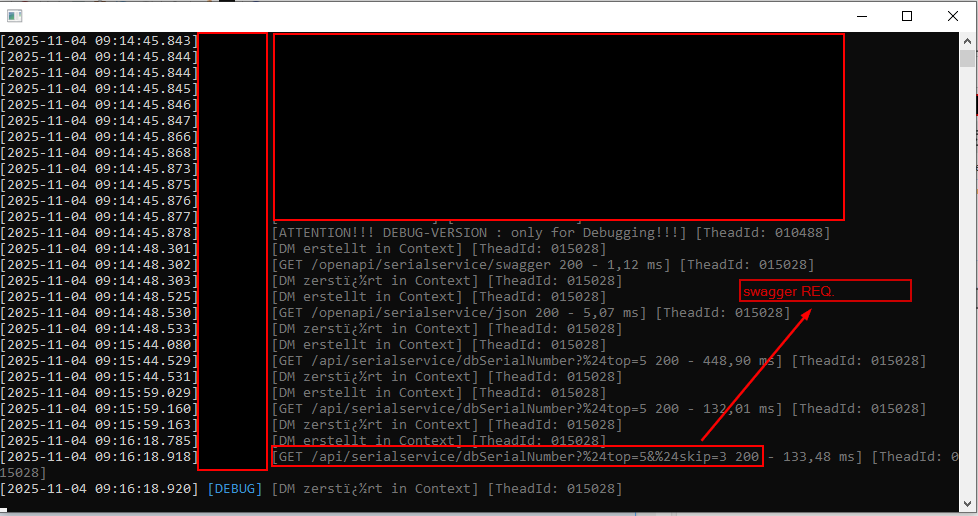
However, the same GET request works correctly in Swagger, and I can also see the request appearing in the XData Server log.
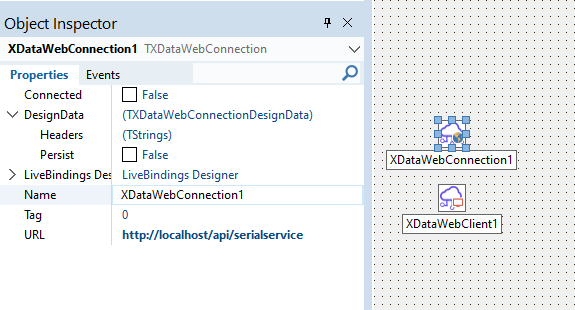
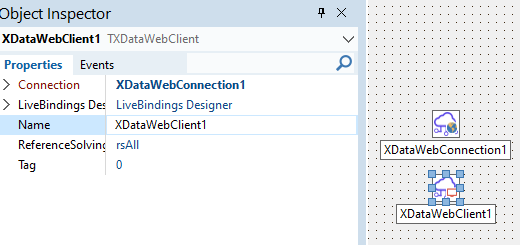
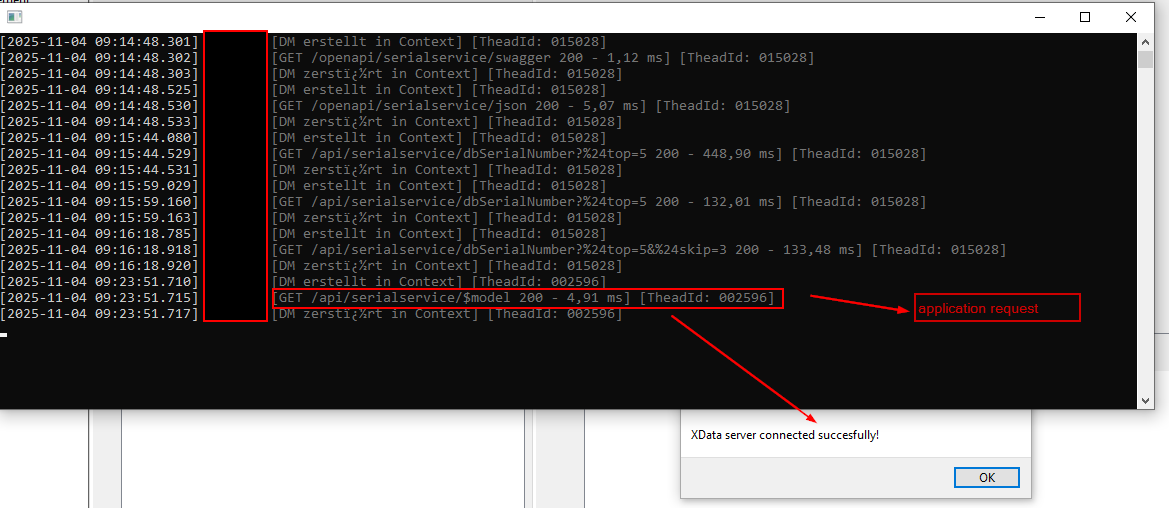
Please see the screenshots below for more details.
Here are the screenshots. There are no errors or warnings in the browser console.
In my XData Server log, I can see the entries for the Swagger requests, and also one $model request from my Delphi web application. However, after the “successful connection” message in my delphi app, nothing else happens - no further requests are sent.
There is an XData Server running, and I’m using a separate Delphi application to execute a simple request against it. The browser console doesn’t show any warnings or errors — that’s why I didn’t include a screenshot of it.
I’m not running a WebApplication based on XData. There is an XData server, and I’m building another Delphi application to retrieve paginated data from it — not through a web client.
I’ve attached a simple XData Delphi app that also doesn’t work on my side, and I’m wondering why. XDataWebTest.zip (6.8 KB)
You are trying to use TXDataWebConnection and TXDataWebClient in a VCL application. That won't work. Those components are to be used exclusively in a TMS Web Core application.
Thank you for clarifying that TXDataWebConnection and TXDataWebClient are intended only for TMS Web Core applications.
However, this doesn’t fully answer my question -I would need a minimal Delphi (VCL) example showing how to send requests or call endpoints on an existing XData server.
I can see in the documentation how the consumption works using TXDataClient: TXDataClient | TMS XData documentation But if I want to implement pagination functionality with visual components and display the data in a (DevExpress) grid, should I manually “hard-code” the pagination using Top and Skip parameters?
Or is there a way to handle this using built-in (“out of the box”) TMS functionality? If such built-in functionality exists, could you please provide a minimal example demonstrating how to do it?
I tested the suggested approach and it works correctly when TAureliusDataset is connected directly to the database. I also followed this documentation:
However, I have a few questions regarding what I need for my project:
Is it possible for TAureliusDataset to connect directly to an XData REST endpoint?
Meaning: can the dataset
automatically fetch new pages when the user scrolls,
refresh itself automatically when filters or locates are applied,
and generally behave like a “remote dataset” that performs transparent, on-demand fetching over HTTP?
In other words, can TAureliusDataset offer the same behavior as SetSourceCriteria or SetSourceCursor (fetch-on-demand) but using a remote XData backend instead of a local TObjectManager?
If such functionality already exists,
could you please provide an example showing the recommended way to connect TAureliusDataset to an XData REST service so that it can automatically fetch additional data pages?
If this is not currently supported,
is a “remote AureliusDataset” or an “XData-aware dataset with automatic paging” feature planned or under development?
Why I am asking:
Many modern frameworks in other ecosystems offer this capability out of the box (automatic paging, filtering, sorting from a remote REST/OData source). It would be extremely useful to have similar support when using Aurelius + XData + TAureliusDataset.
Thank you very much for any clarification or examples you can provide.
No, such feature is not available.
There is not current plan to implement an automatic fetching directly from XData. Usually users do that by using paging and closing/reopening the dataset.