However, Installing FNC Maps this way doesn't work for me. When I am doing that, I end up with an empty component palette again. When I deselect FNC Maps in the Component / Install Packages List, the former components show up again in the component palette.
Also the FNC Timeline component doesn't register in the palette from the FNC UI Pack (its there when I switch back to the original form designer).
Should FNC Maps and also the FNC Timeline be expected to work or is it not ready for the beta form desisgner?
We have seen an issue with TMS FNC Maps and we are currently investigating.
We'll check to ensure that the TTMSFNCTimeLine is also registered for web.
How do you enable it in the first place? - just installed 2.6, but cannot see it: create a new project, everything is the same as before...
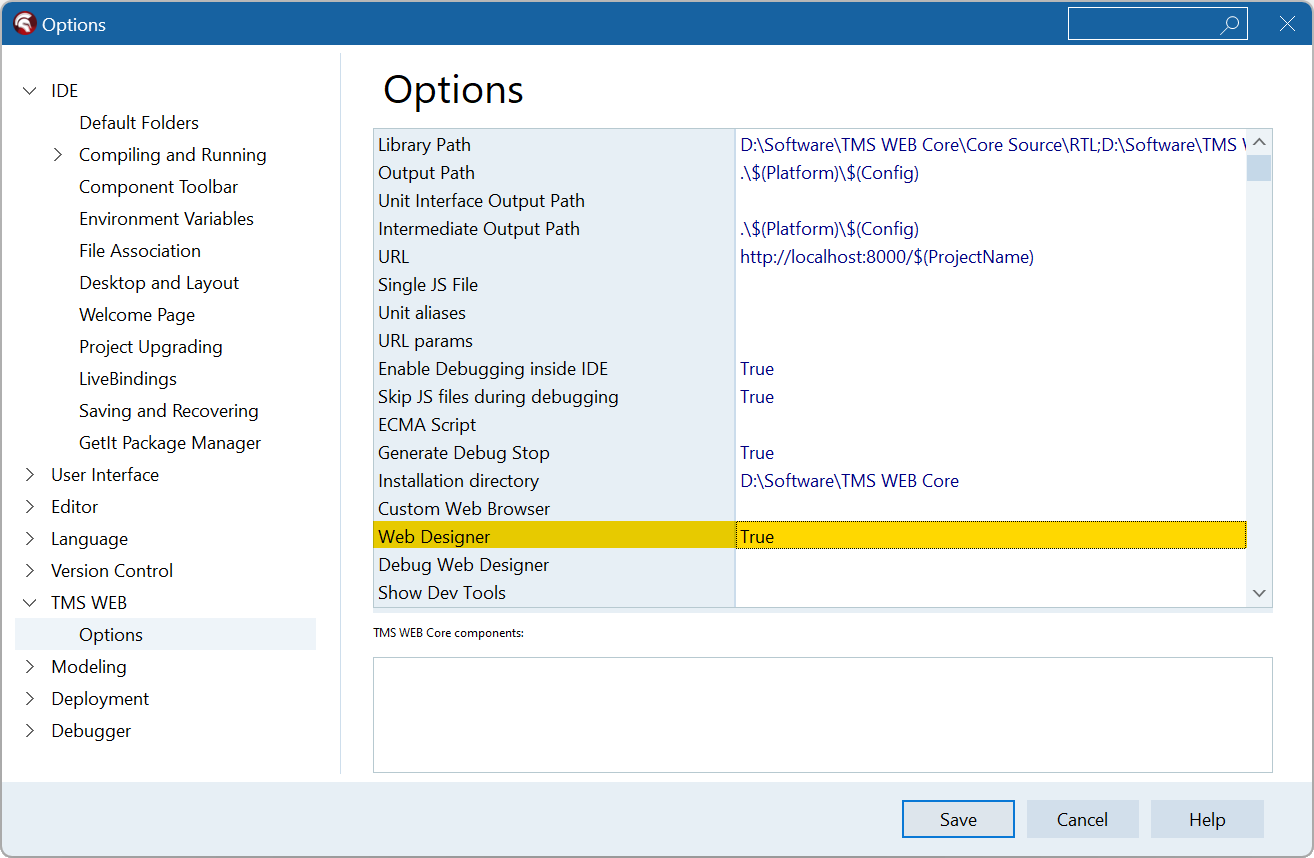
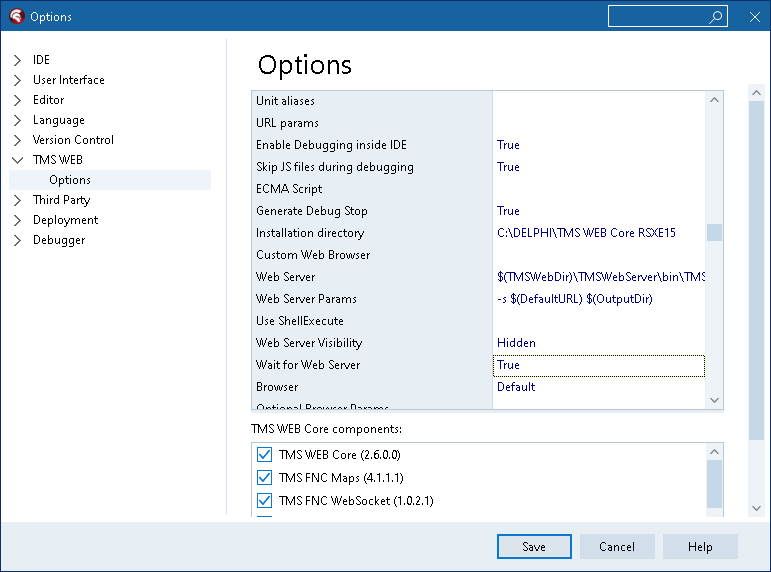
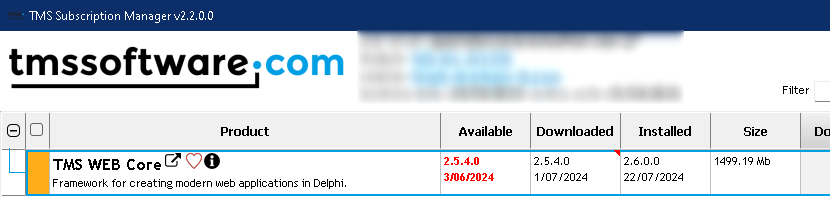
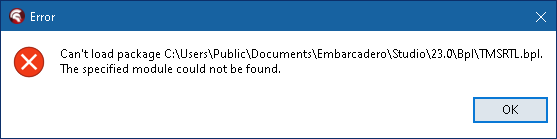
Did you really completely uninstall manually(!) all(!) WebCore Versions before installing the latest Beta ?
It seems to be important not to use the subscription manager for uninstalling WebCore. I also did install the beta manually.
There was an update of the beta lately - I suggest to re-download this Beta.
Regards, Tom
Nope, didn't know I had to. The installer was quite happy, apparently. Ok, I'll try that next, my beta is from yesterday anyway, so should be good.
Do I need to uninstall anything else besides the actual Web Core? FNC? - beta setup is huge, there's clearly a lot more there than just Core...
When is the expected release, BTW? - it may just be easier for me to wait a few days, if that's any time soon...
No fixed date set yet. We want it to give sufficient time to make it as solid as possible.
Hello Alexander,
I did not uninstall anything else than WebCore before installing the update to make the Beta run.
Making the FNC components available in the new designer of the Beta I needed some manual work - but it worked at the end. You can find some hints from Bruno how to do this a few messages above in this topic.
I have Delphi 11 and 12 installed. For me it seems that FNC components are available on the IDE I installed it last and "disappears" from the new web designer on the prior IDE where I installed it.
But maybe I made a mistake during manual installation of the FNC components
With the entire TMS FNC family being updated last week, installing for the web designer can be done by opening the TMS*WEB.dproj file in the IDE and select to install from the Delphi project manager.
Alright, uninstall/install worked, I see web designer now, thanks!
Many FNC*WEB.dproj's have no Install option. And while Core & UI Pack have installed and show in the designer for me now, FNCChart does not show, even though it seemingly installed fine. Is there anything special about it?
PS: I'm trying to get some/any chart component to show in a responsive way, trying them one by one, but still cannot find one that would. Any suggestions?
Did you update to the last FNC product releases of last week?
What exact chart reponsive behavior are you looking for?
Yes, I have updated to the latest. Yes, auto-size to given
. Align to client does not work with GoogleChart (from TMS palette), as an example.
I retested alignment with the demo under Demo\Services\GoogleCharts and I could not see a problem with Alignment.
If a problem persists, please provide reproducible steps / sample source project
Ah, sorry, I'm trying it with Templates. See attached.
TestWebCoreChart.zip (2.7 MB)
I have the chart on the form, set its ID to a div in html and it shows in the designer - fixed size, it would not resize. And it does not show at all when I run this project. I think I may be doing a few things wrong there...
It is by design that when you link to a HTML element in the form template, then layout is controlled by how the HTML would layout the HTML element rather than by the control properties for it.
That's exactly the thing: it does not work. The control still controls its size and would not resize automatically/responsively as the page does.
I see that you define no size to your hosting DIV element. The height is zero as such. In addition, set for your chart control:
WebGoogleChart1.ElementPosition := epRelative;
WebGoogleChart1.WidthStyle := ssAuto;
WebGoogleChart1.HeightStyle := ssAuto;
then it should fill up the space designated to your chart DIV element with the chart