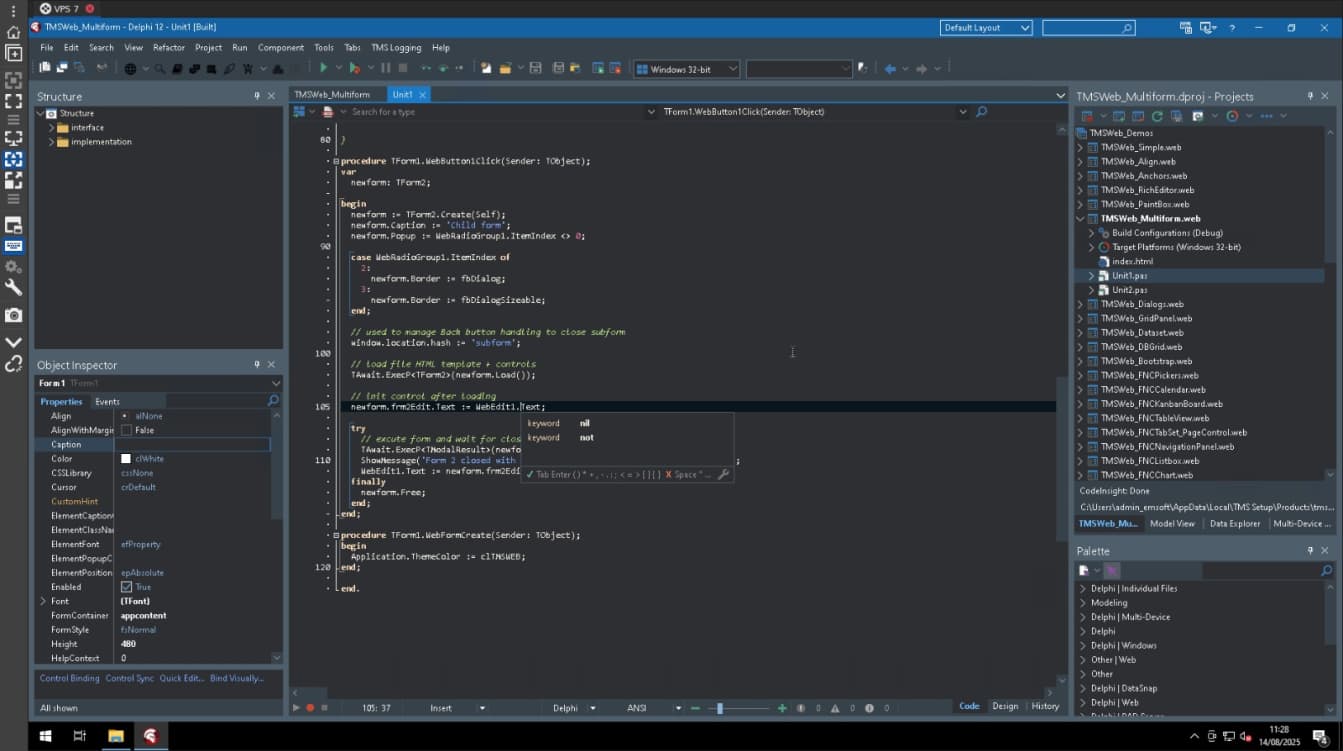
Hi, in Delphi 12 with TMS Web Core projects, the Code Completion (Ctrl+Space) does not list the properties and methods of visual components as it does in VCL or FMX projects.
Is this a known limitation with Web Core and LSP in Delphi 12, or is there any setting that I should enable to make Code Completion show the available properties?
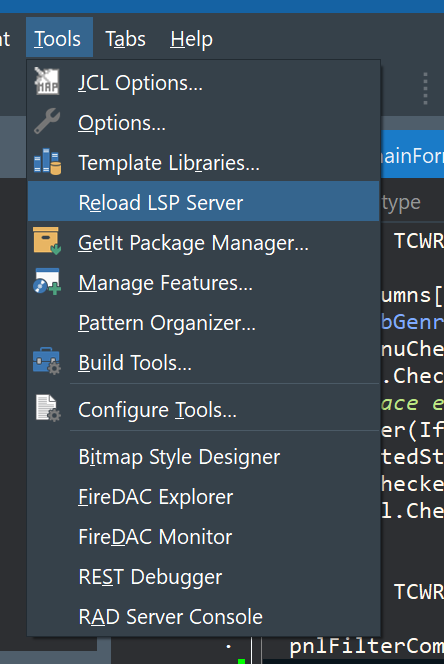
Can you verify if the TMS WEB Core subfolder "Component Library Source" is added to your VCL Win32 library path in the IDE?
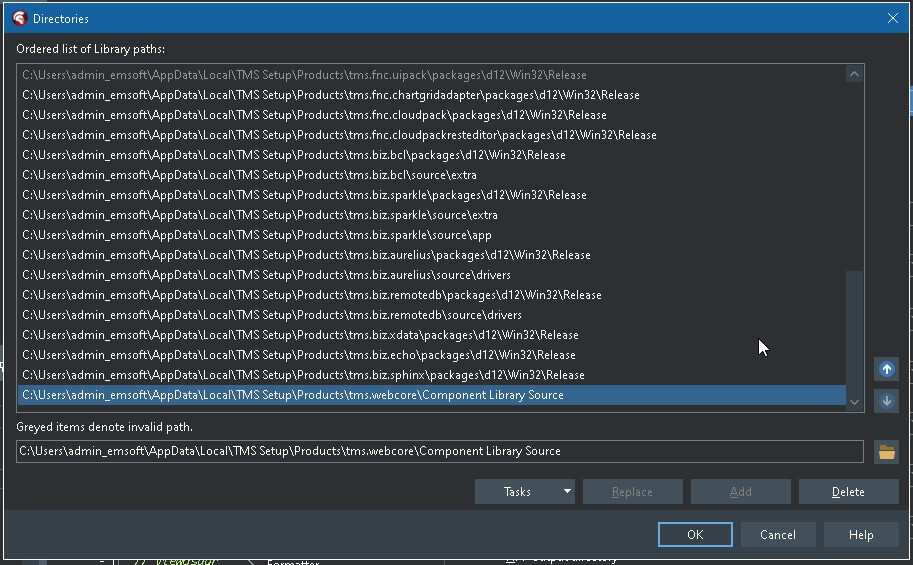
Even in a new created project?
Actually, it's not just in TMS WebCore. It was after I installed the TMS packages. If I run Delphi in a new profile, it works. I installed the packages through Smart Setup.
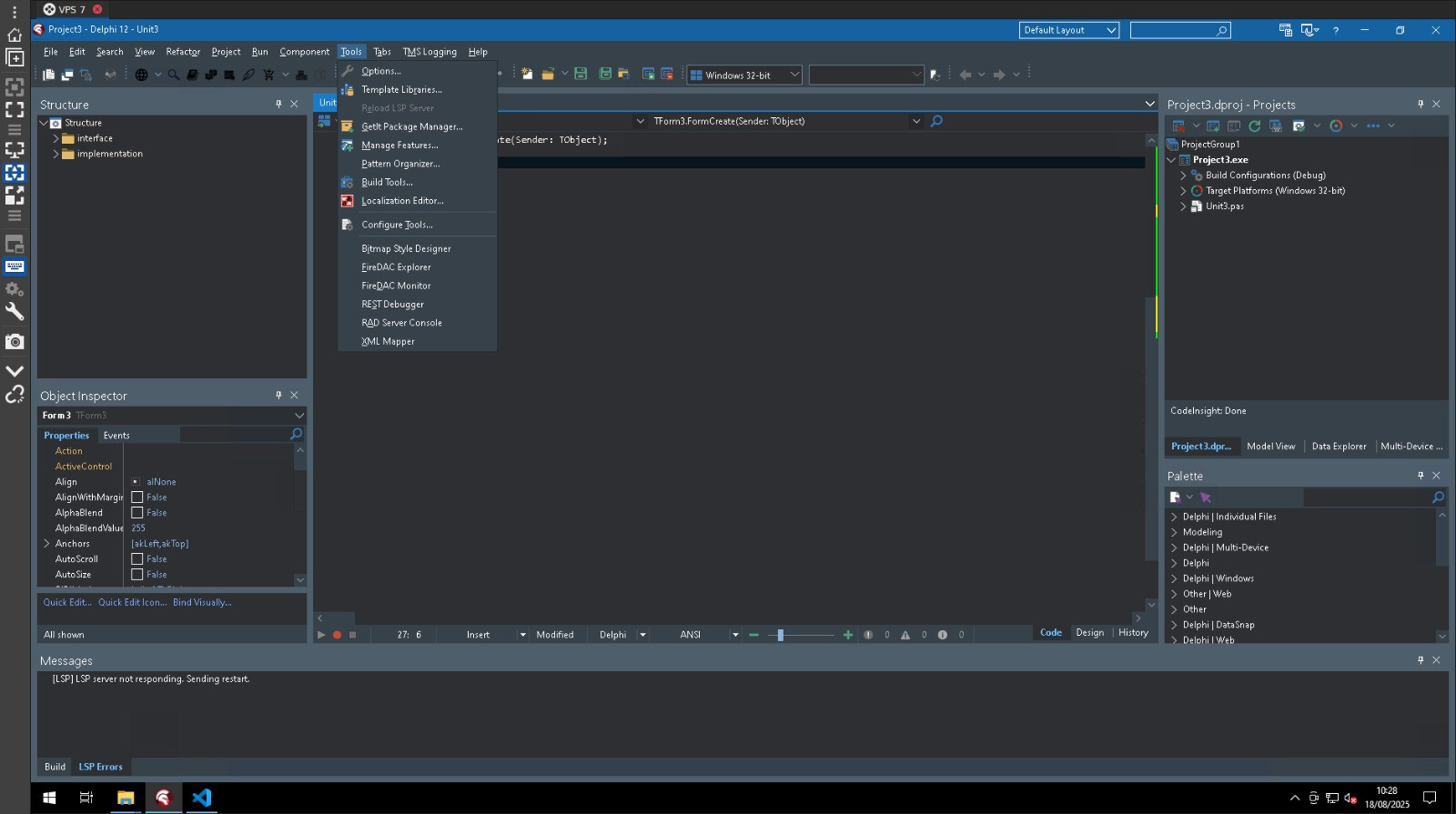
It is unclear what is causing this.
When you remove "TMS WEB Core\Component Library Source" from the library path, do you still get LSP issues?
I uninstalled Delphi 12 and installed Delphi 11 and now everything is working. Is there a bug with Delphi 12?
I'm sorry, but I'm not an expert of all things that could possibly go wrong with the IDE setup in connection with the LSP. But as this reinstall makes things work, it was apparently an issue in the IDE setup.