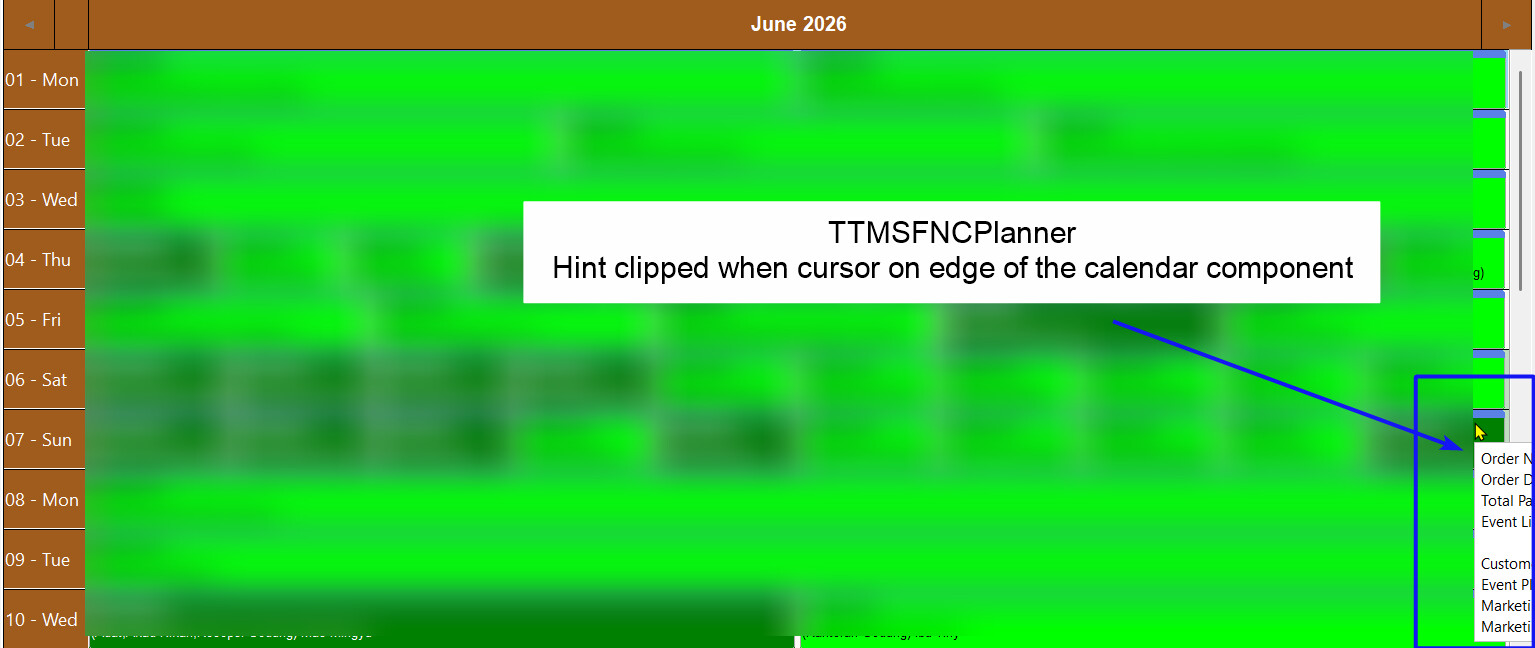
As shown above, my hint is clipped when hovering on a planner item which is on the edge of the TTMSFNCPlanner component area. This is also happen with planner item at the bottom of the planner. How can I move the hint box so that it won't clipped and always inside the planner area?
Also how can I use TTMSFNCHint to replace the default item hint shown above
Thank you for the response, how to connect TTMSFNCHint to TMSFNCPlanner1, My TTMSFNCPlanner is on a form which is embeded to a TPanel, currently with AlternateHints set to false, no hint shown, but the code breaks on OnGetItemHint event. Is there a way to override the hint window shown by alternatehints so I can try to move the hint window to always in the planner boundaries