Hi,
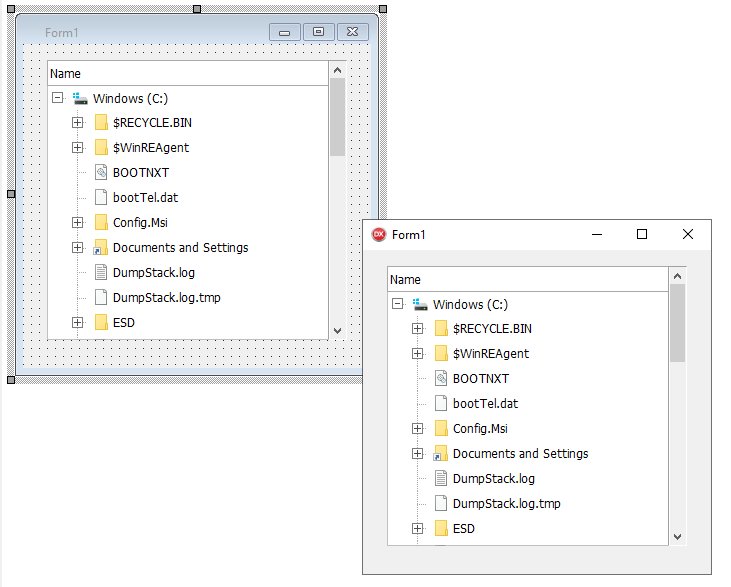
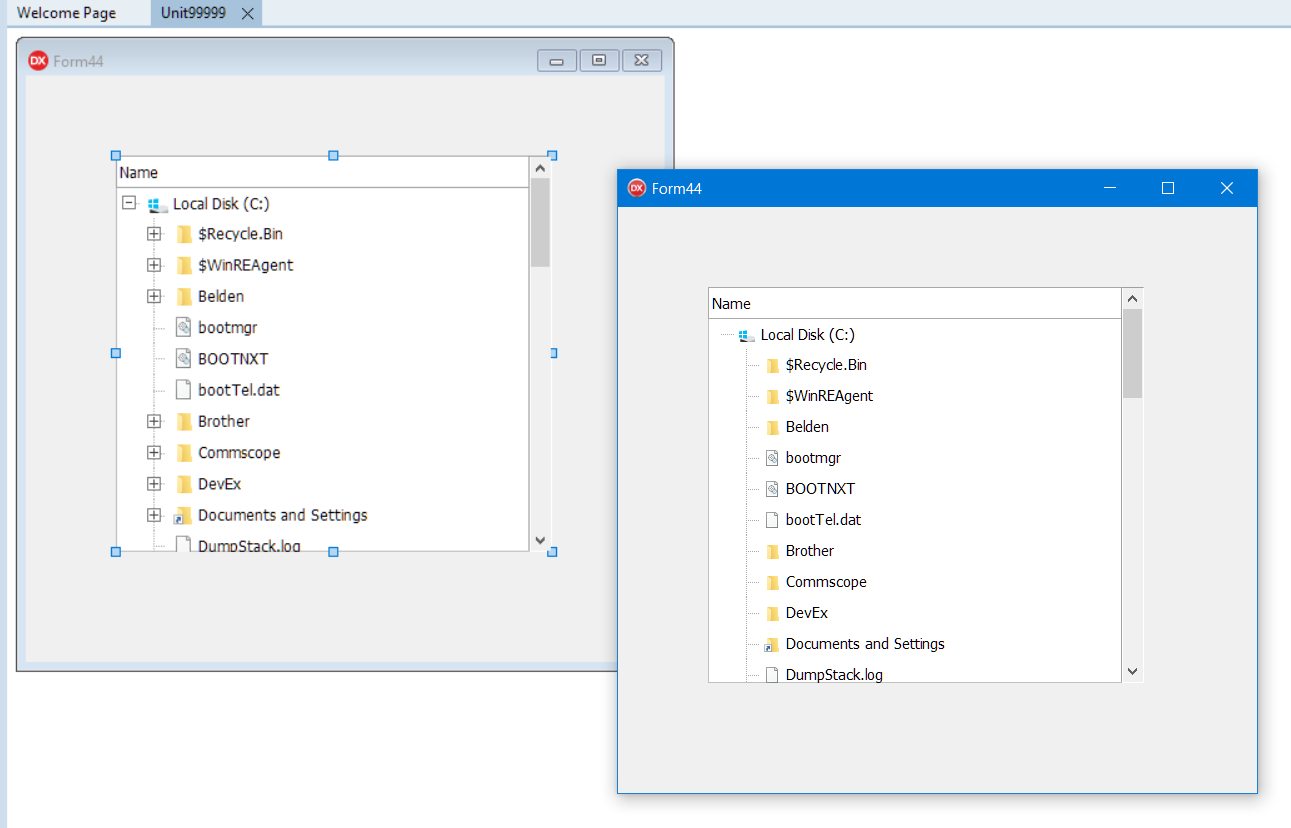
I have a TAdvDirectoryTreeview on a form, and at design-time I can see the node’s expand & collapse icons - [+] and [-]
But they’re not showing at runtime?
Thanks
Delphi 10.3
Windows 10 Pro
Hi,
I have a TAdvDirectoryTreeview on a form, and at design-time I can see the node’s expand & collapse icons - [+] and [-]
But they’re not showing at runtime?
Thanks
Delphi 10.3
Windows 10 Pro
I could not reproduce this
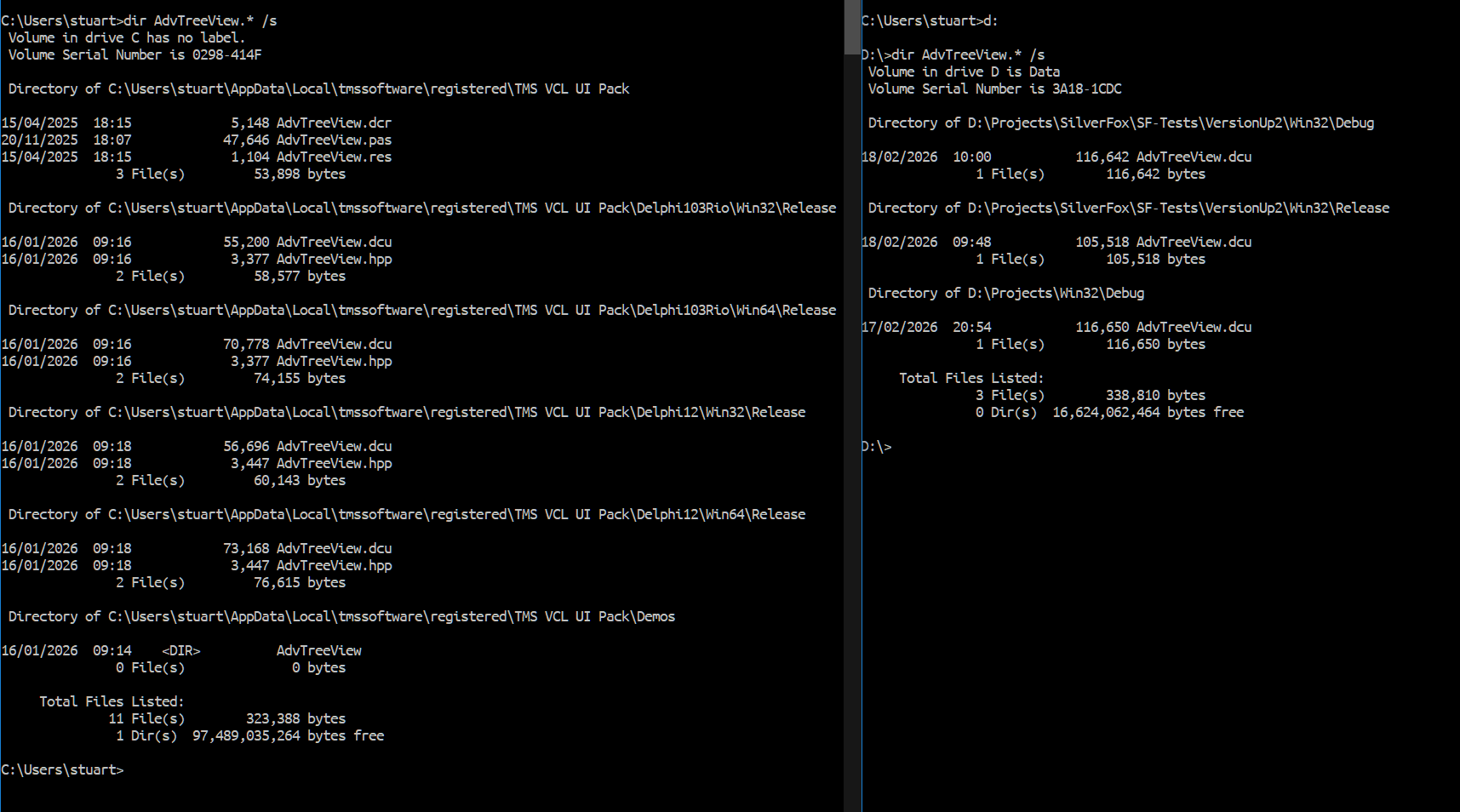
Are you 100% sure there is only one and the latest set of TMS VCL UI Pack files installed on your machine? Check for AdvTreeView.* on your system. There should be only one .PAS and .DCU file. The compiler should compile & link the latest version.
Hi Bruno - thanks for the reply.
Only one installed - don’t know if the absolute latest, but certainly not that old.
Dir listings:
I search in c:\Program Files (x86) and c:\Program Files\ and nothing found there.
It works in Delphi 12
Thanks again
Is this also happening when you create a new VCL app in Delphi 10.3?
Are you sure there aren’t other 3rd party tools installed in your Delphi 10.3 IDE that possibly interfere with SVG rendering?
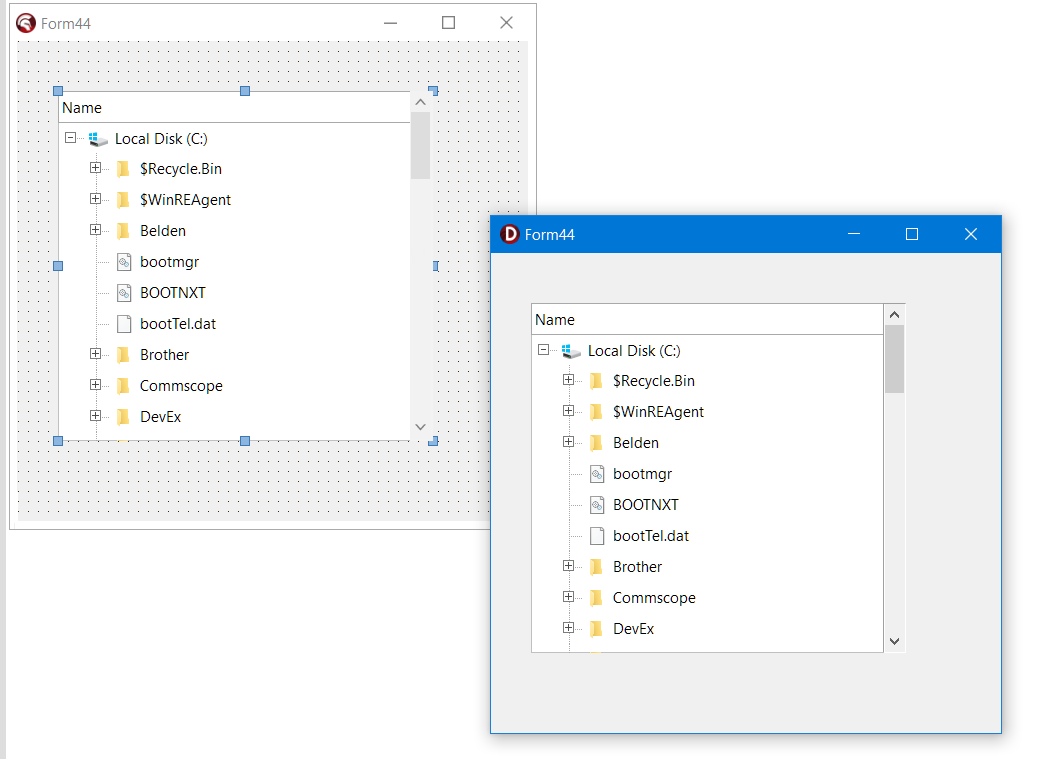
The first message screen shot was from a New VCL app from 10.3 with just the TAdvDirectoryTreeView dropped on a form and hit F9.
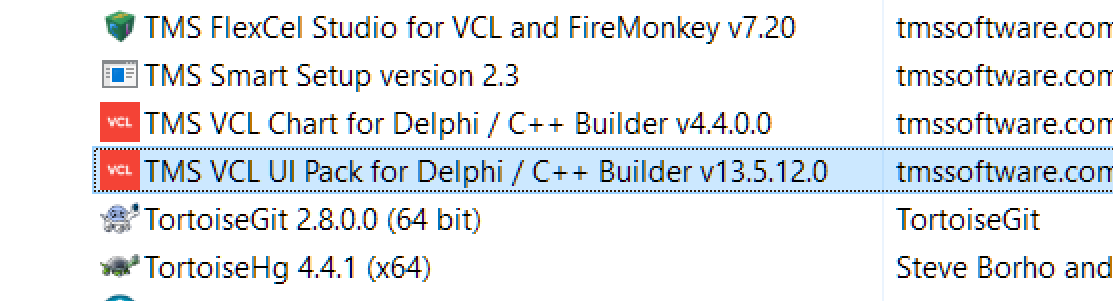
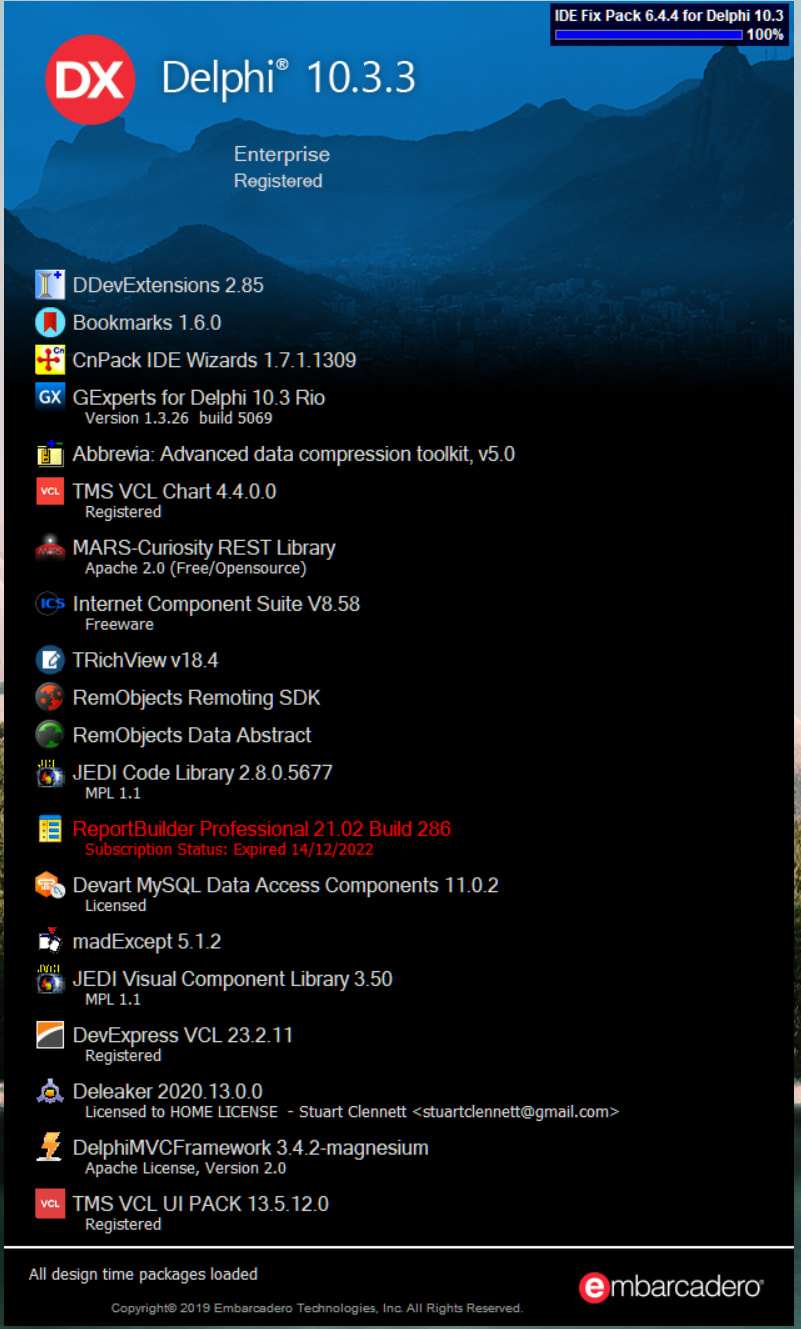
This is my installed packages list - don’t know if any should interfere with runtime SVG rendering.
(Note that I can see the expand/collapse buttons at design time)
Cheers
Only one we suspect might have an interfering SVG rendering is TRichView.
Do you have this also installed in Delphi 12?
Hi,
No it’s not in D12. I’ve removed from D10.3 and the problem still exists.
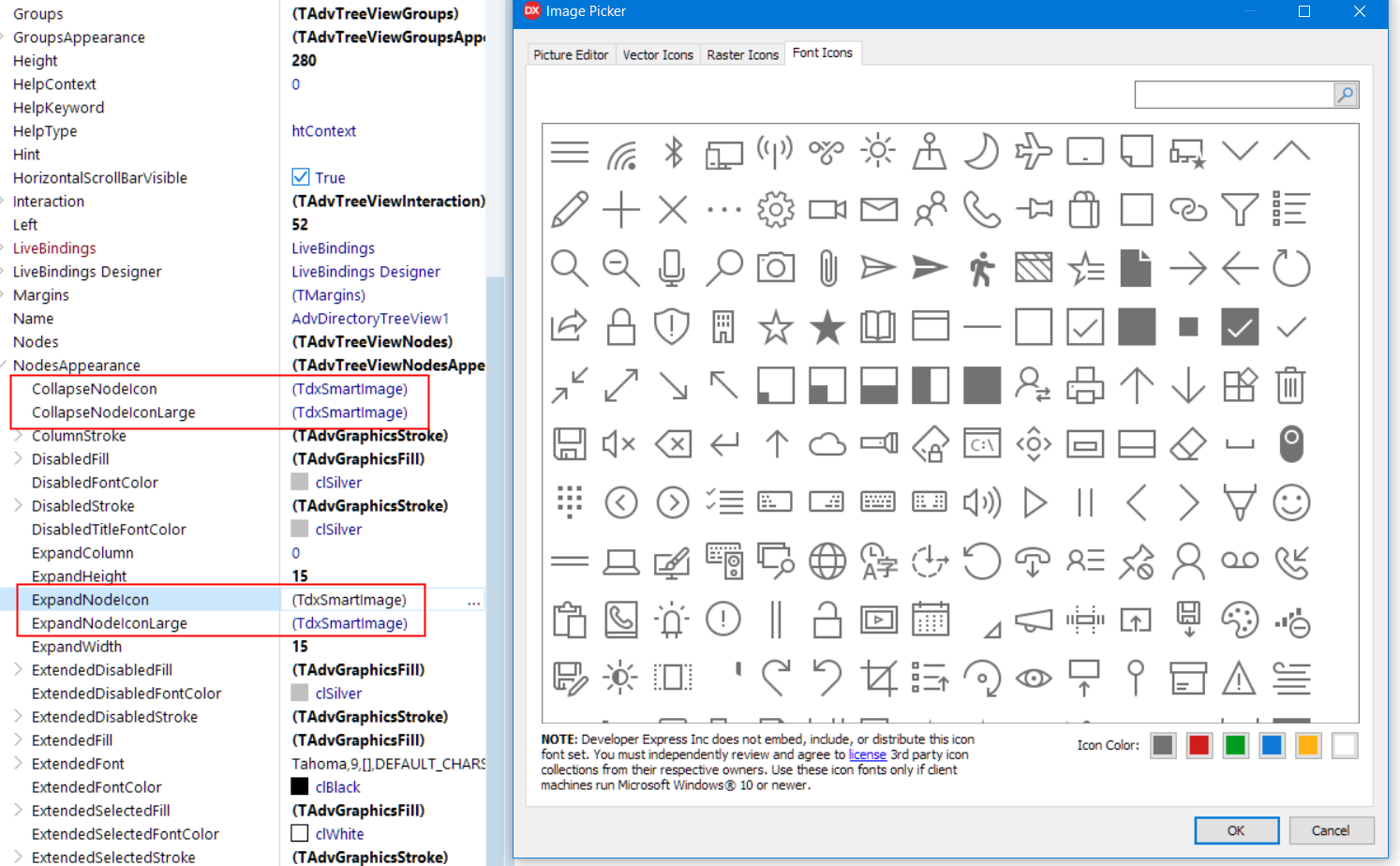
I suspect it might be DevExpress VCL libary - they have a lot more SVG support in recent releases. This is what I see for the collapse/expand node icon properties.
And the ImageEditor is what is shoen when I invoke the image editor.
When I switch to the “Picture Editor” tab, the [+] sign icon is there.
I don’t have DevEx VCL installed in D12 either.
Seems they have registered a picture property editor that affect also the picture properties in our components.
We do not have DevExpress installed here, so I cannot check how exactly they interfere.
Try to disable this library when building with our components and if this proves to be an issue with DevExpress, I suggest to contact their support.
Thanks Bruno.
I’m not expecting much flexibility from them though, good components but not likely to look into this one. ¯\_(ツ)_/¯