Hi,
I’m using TTMSFNCWebBrowser in an FMX project to display a Google Form.
The form works correctly on Windows and iOS, including the file upload (image upload) question.
However, on Android, when the user taps “Browse” on the file upload field, nothing happens.
Some details:
-
Platform: FMX + TTMSFNCWebBrowser
-
Content: Google Forms
-
File upload type: Google Forms “Upload file” question
-
Behavior:
-
Windows:
 file upload works
 -
iOS:
file upload works -
Android:
 tapping “Browse” does nothing
-
-
No errors are shown
-
The same form works correctly in Chrome on Android
Initially, I assumed this might be related to Android permissions (such as storage or media permissions).
However, even after testing with the relevant permissions enabled, the behavior remains the same tapping “Browse” still does nothing.
From my investigation, it seems that Google Forms uses the Google Drive Picker for file uploads, which may require Chrome-level integration and therefore may not be supported inside Android WebView.
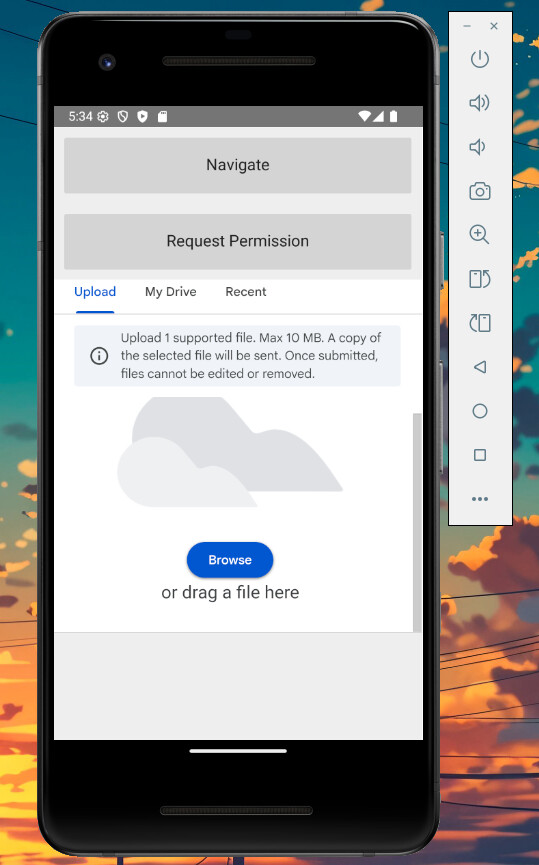
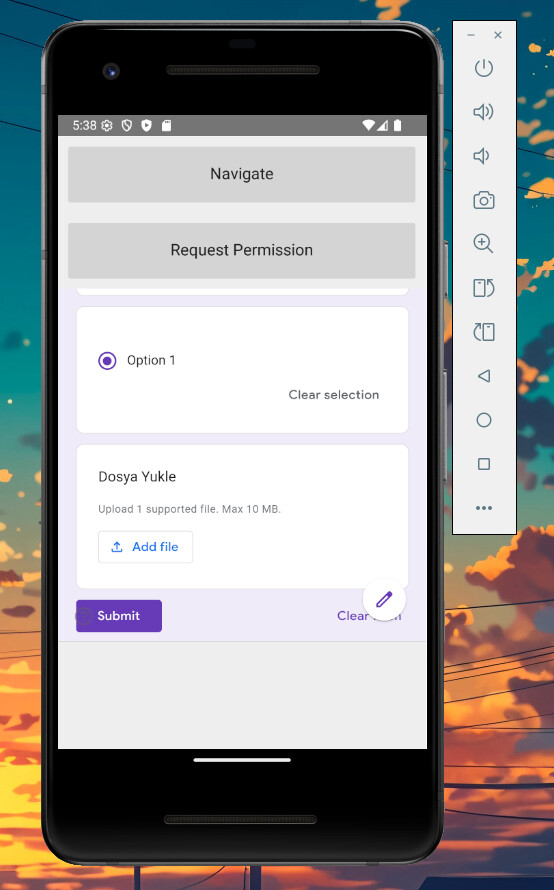
Demo: https://drive.google.com/file/d/1sIo3yX3W0sDG7X-Fcj89BQqOMpN-dbLI/view?usp=sharing
Test Form Link: https://forms.gle/bNcPWS2a8ji14suVA
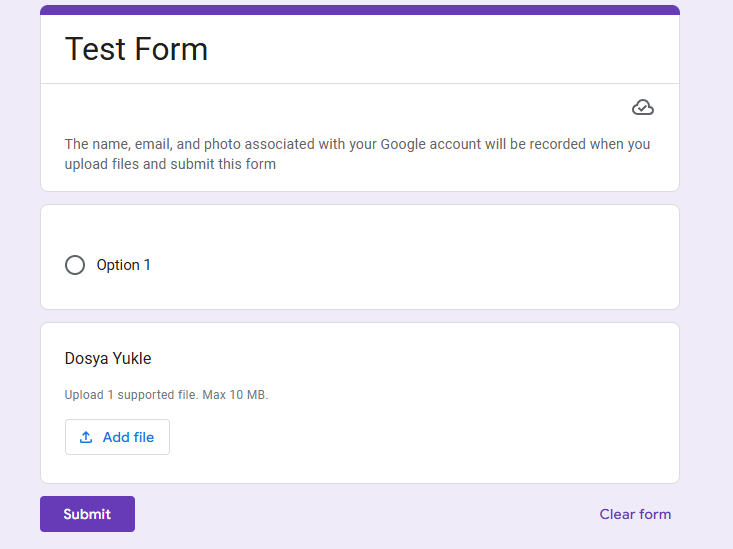
Could you please confirm:
-
Whether this is a known Android WebView limitation
-
Or if TTMSFNCWebBrowser provides (or plans to provide) any workaround for Google Forms file upload on Android
Any guidance or confirmation would be greatly appreciated.
Best regards