Hi,
The following code is used to add controls to a webgridpanel. This is working but how can the width of each colum be changed at runtime?
wgpFields.BeginUpdate;
wgpFields.ColumnCollection.Add;
wgpFields.ColumnCollection.Add;wgpFields.RowCollection.Add;
lbl := TWebLabel.Create(Self);
lbl.Caption := 'ID';
lbl.Parent := wgpFields;
wgpFields.AddControl( lbl );edt:= TWebDBEdit.Create(Self);
edt.DataField := 'ID';
edt.Parent := wgpFields;
wgpFields.AddControl(edt);wgpFields.RowCollection.Add;
lbl := TWebLabel.Create(Self);
lbl.Caption := 'FIRST_NAME';
lbl.Parent := wgpFields;
wgpFields.AddControl( lbl );edt:= TWebDBEdit.Create(Self);
edt.DataField := 'FIRST_NAME';
edt.Parent := wgpFields;
wgpFields.AddControl(edt);wgpFields.RowCollection.Add;
lbl := TWebLabel.Create(Self);
lbl.Caption := 'LAST_NAME';
lbl.Parent := wgpFields;
wgpFields.AddControl( lbl );edt:= TWebDBEdit.Create(Self);
edt.DataField := 'LAST_NAME';
edt.Parent := wgpFields;
wgpFields.AddControl(edt);wgpFields.BeginUpdate;
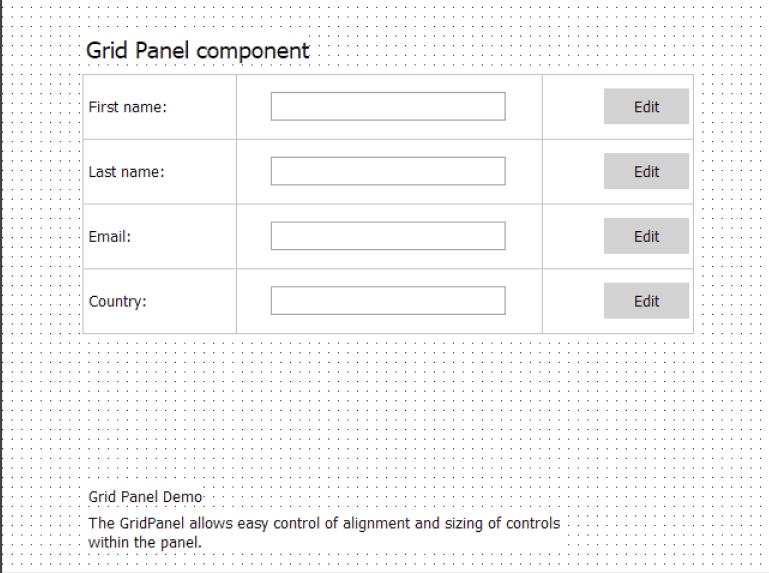
Similar like the webgridpanel demo, only difference is creating and adding during runtime.