WinnHttp timeout (12002) in avaiable server

Hellow Wagner.

I'm experiencing an interesting thing..

I have a server with RemoteDB at cloud (with SSL let's encrypt), I can connect in my development machine, as well in many other machines (win7, 8.1, 10 and 11) but in few others I'm getting a timeout.

The interesting thing is a timeout in the server with localhost.. the same server that is working for all others..

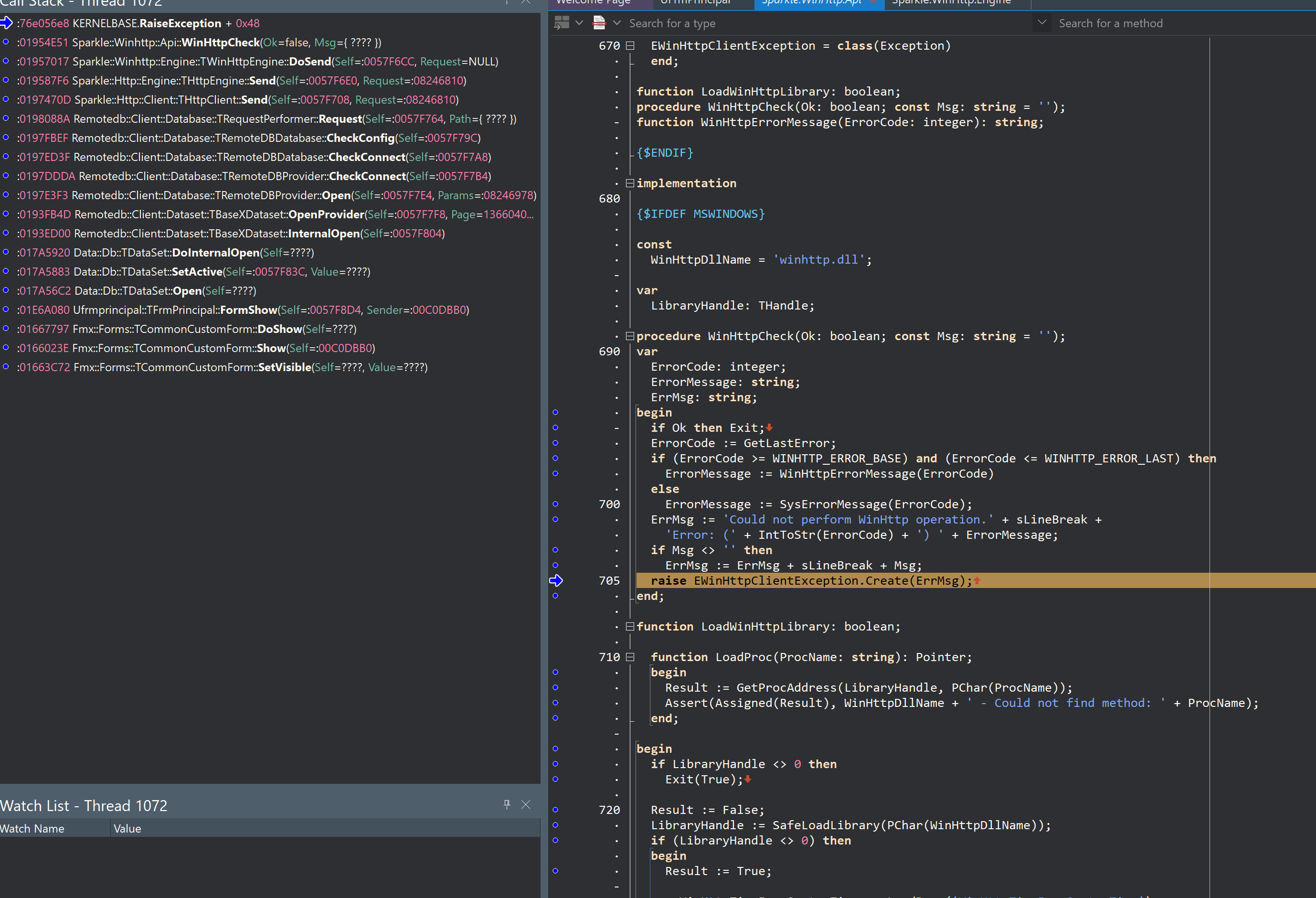
here an image of a stack o captured using PAserver

I've found a recent forum about this problem talking about this "WINHTTP_OPTION_IPV6_FAST_FALLBACK" option, that I didn't find at Sparkle.WinHttp.Api.

I'm also using TWinHttpEngine.DefaultProxyMode := THttpProxyMode.Auto; but nothing different

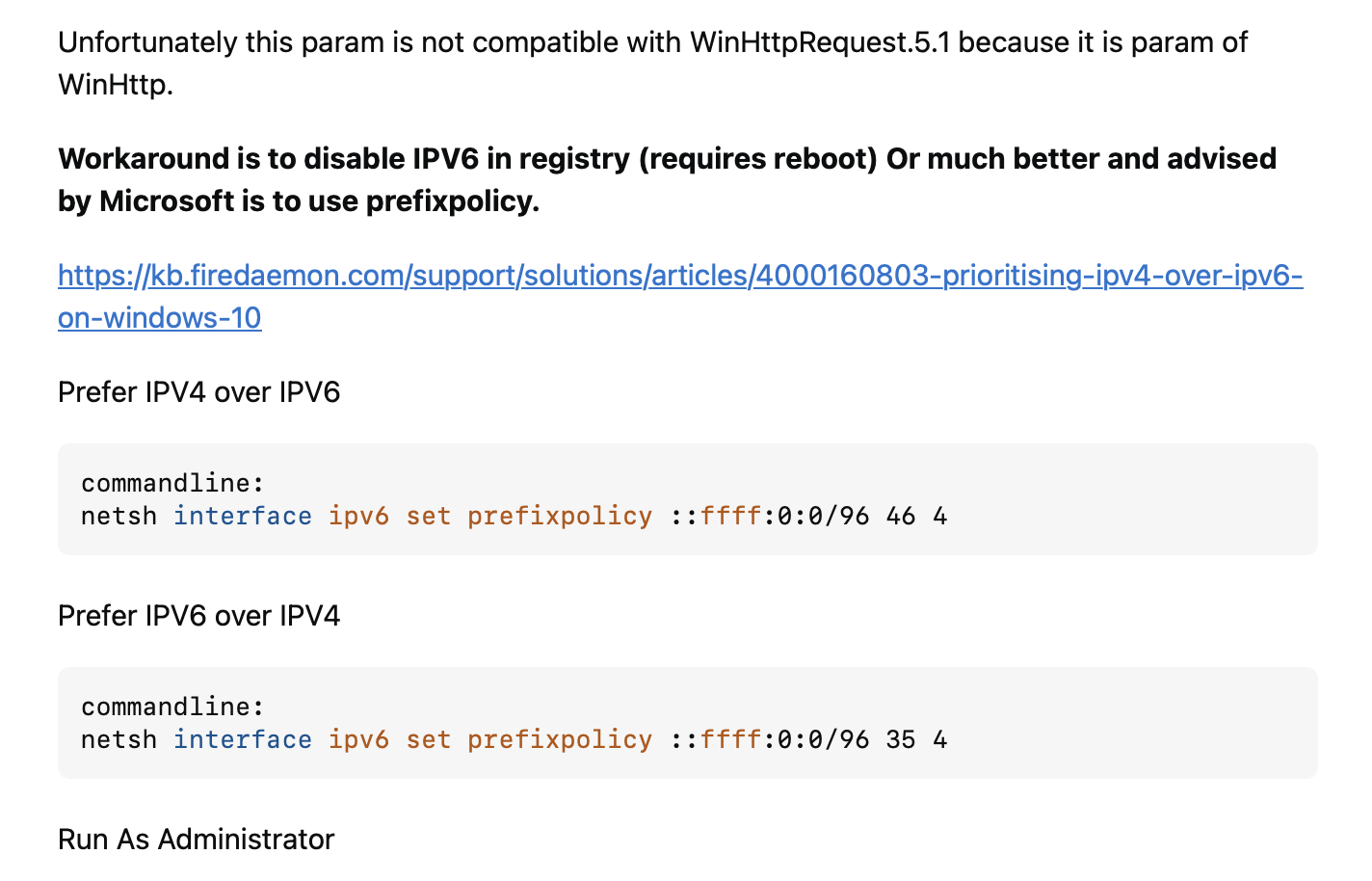
WINHTTP_OPTION_IPV6_FAST_FALLBACK is just an alias for the value 140. You can use that value and set such option to WinHttp as described in either of these topics:

This Stack Overflow answer gives more options:

Such as:

And:

Thanks for the answer.

I've just tried but no success event with this option. For now I've disabled the IPv6 for all (client and server) but the same occurs.

I've also tested without domain name (using only server ip address) .. but also results in the same error.

Don't you have any suggestion?

I'm running out of ideas, I just can't tell what is going on here.
Does it work from the web browser? Do you have a proxy in your computer or network?

Hello. After a huge investigation, we discovered that the server was forwarding to a route that had a firewall blocking a specific IP range . The solution was applied by the internet provider..
Thanks for your help.
1 Like

This topic was automatically closed 24 hours after the last reply. New replies are no longer allowed.
