Hi,
**
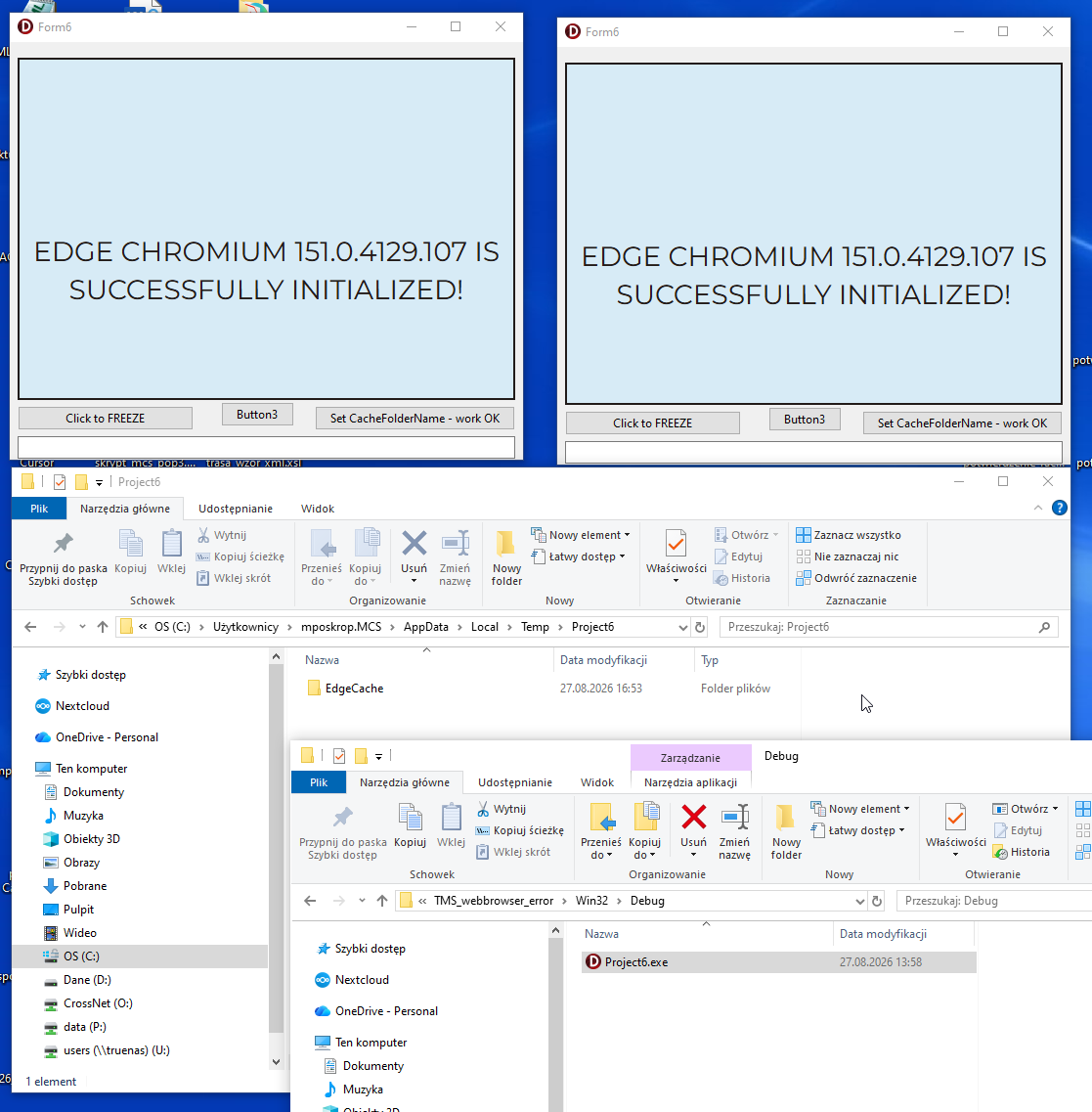
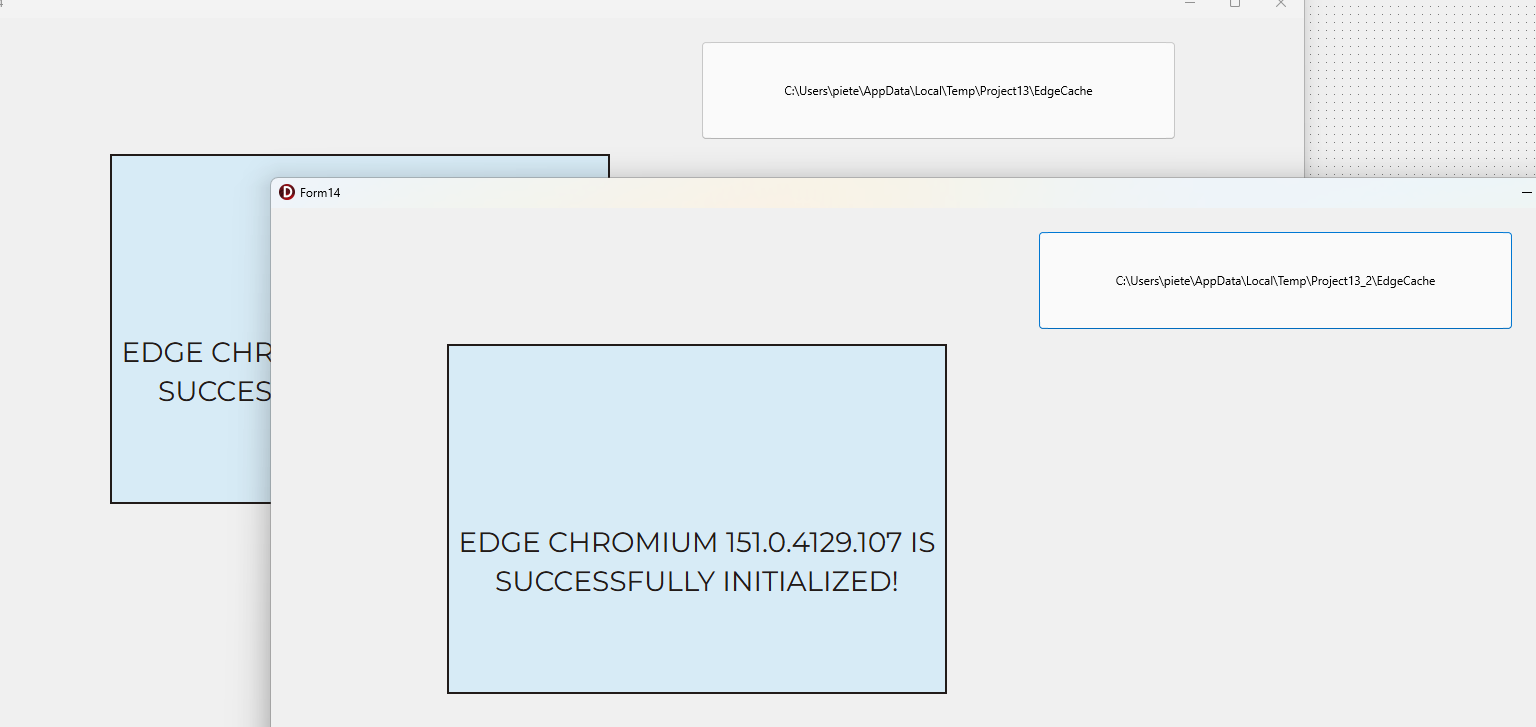
TMSFNCEdgeWebBrowser1.CacheFolderName doesn't work. This freezes two instances of the program.**
How can I change TMSFNCEdgeWebBrowser1.CacheFolderName during Create, Show, DoShow / application startup?
not work:
procedure TForm6.FormCreate(Sender: TObject);
procedure TForm6.FormShow(Sender: TObject);
procedure TForm6.DoShow;
begin
TMSFNCEdgeWebBrowser1.CacheFolderName := FormatDateTime('hhnnss',time);
edit1.text := TMSFNCEdgeWebBrowser1.GetUserDataFolder;
end;
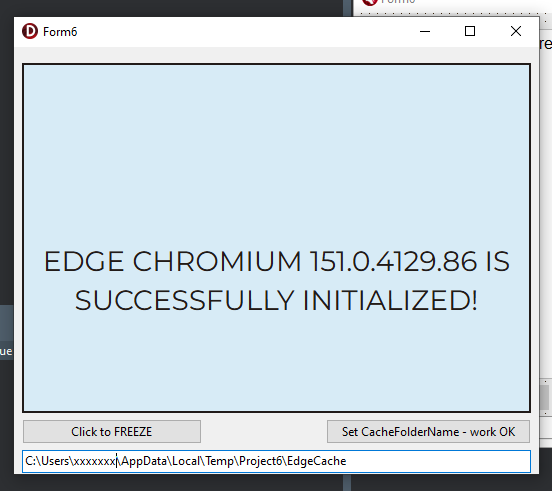
**This is a serious problem because when two instances of the same application are running, an action performed on one instance causes the other instance to hang.
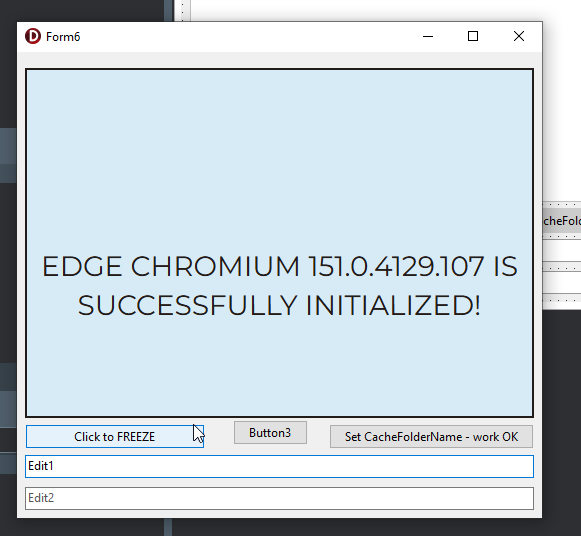
(click "Click to FREEZE button, when two instances running)**
However, this works:
procedure TForm6.Button2Click(Sender: TObject);
begin
// it work, BUT I wouldlike have the same in CreateForm
TMSFNCEdgeWebBrowser1.DeInitialize;
ExtractFilePath(ParamStr(0))+FormatDateTime('hhnnss',time)+'';
TMSFNCEdgeWebBrowser1.CacheFolderName := FormatDateTime('hhnnss',time);
TMSFNCEdgeWebBrowser1.Initialize;
edit1.text := TMSFNCEdgeWebBrowser1.GetUserDataFolder;
end;
all is OK
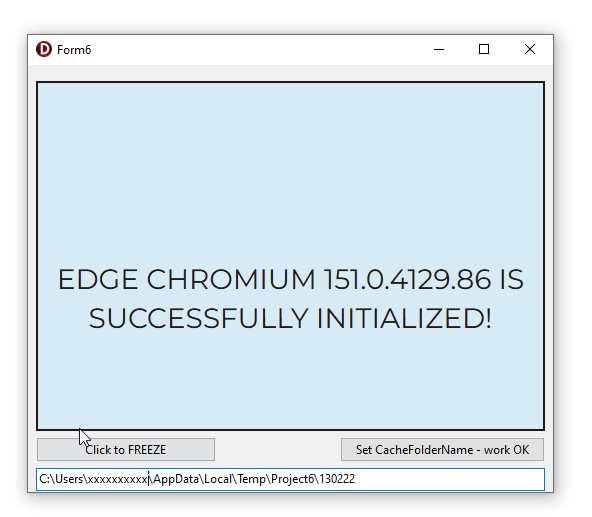
So, if I call DeInitialize, change CacheFolderName, and then call Initialize, everything works correctly.
I would like to achieve the same result during form creation/application startup, without having to do it later from a button click.
I tested the standard TEdgeBrowser, and it works correctly in this scenario.
The same problem also occurs with TMS FNC Maps VCL.
Could you please advise when and how CacheFolderName should be set so that each application instance uses its own user data/cache folder?
It is critical Error.
TMS_webbrowser_error.zip (93.8 KB)