Rohit_Nz
August 5, 2025, 8:18am
1
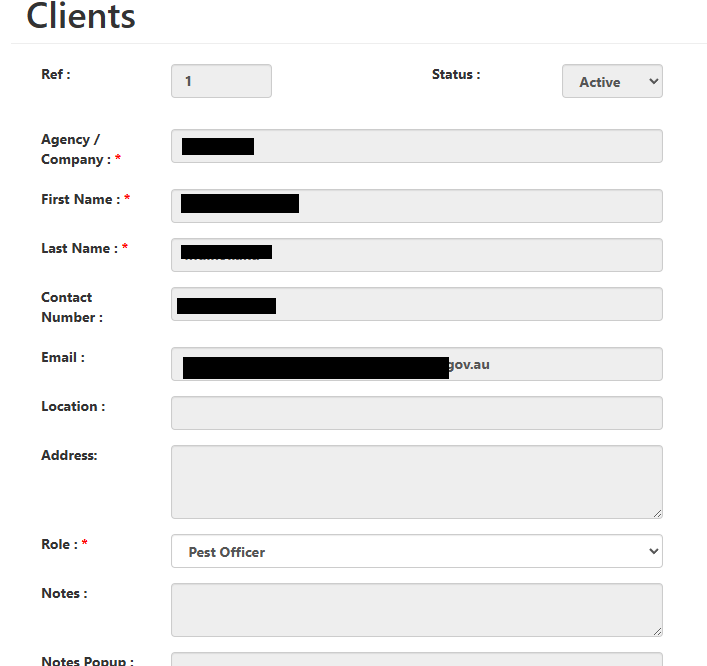
In this form, when the user comes in by pressing the View button (from a List form), instead of Edit , the dataset is in Browse mode and I execute this
THtml.Disable_Controls ('form.edit');
For some reason, the Select does not become disabled. Is this a browser / HTML issue?
What is THtml.Disable_Controls doing? This method isn't part of RTL or TMS WEB Core framework?
Rohit_Nz
August 5, 2025, 1:10pm
3
It is this code
class procedure THtml.Disable_Controls (const AId : string);
begin
  asm
    const container = document.getElementById(AId);
    const formControls = container.querySelectorAll('input, select, textarea');
    formControls.forEach(control => {control.disabled = true;});
  end;
end;
Even when I change it to this, select doesn't work. Is it possible that the select is enabled when it is populated by TMS webcore?
class procedure THtml.Disable_Controls (const AId : string);
begin
  asm
    const container = document.getElementById(AId);
    const formControls = container.querySelectorAll('input, select, textarea');
    formControls.forEach(control => {
      control.disabled = true;
      control.setAttribute ('disabled', '');
      });
  end;
end;
Is this a regular TWebComboBox or a TWebDBComboBox?
Rohit_Nz
August 7, 2025, 2:01pm
5
Its TWebDBLookupComboBox .
I checked this here with the demo DBLookupComboBox and when putting the disabled attribute on the control, it looks disabled and it is no longer possible to dropdown.