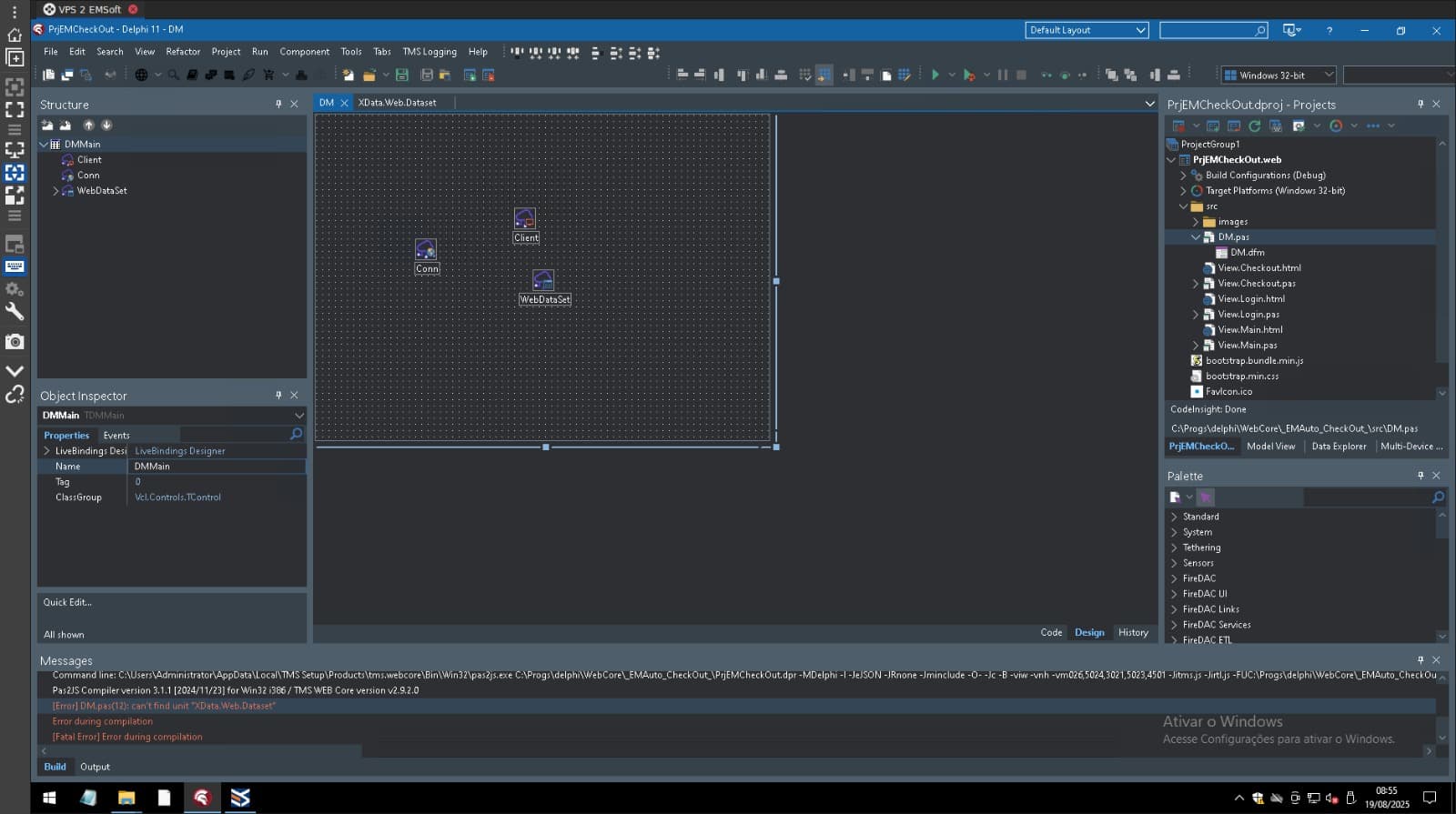
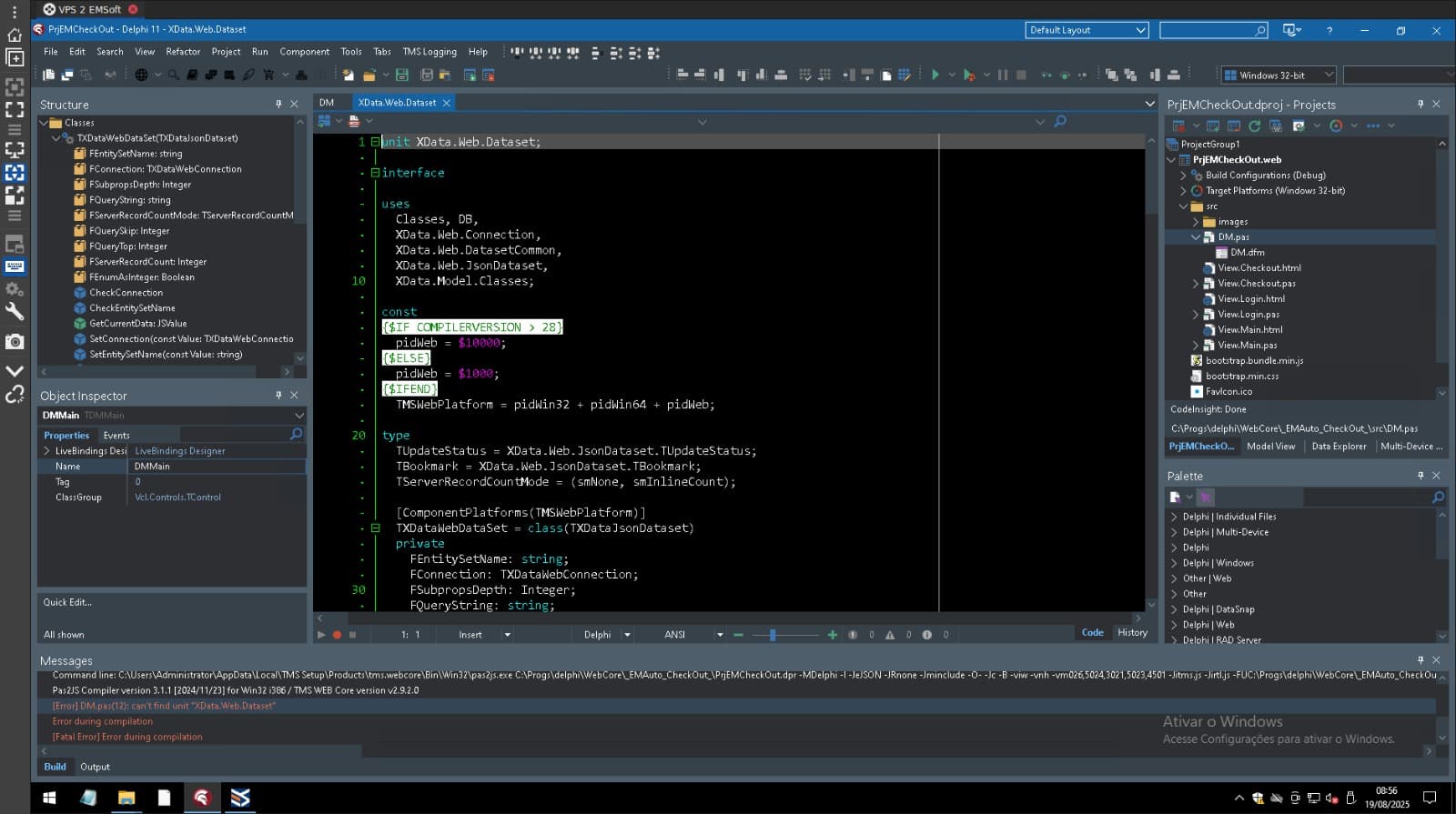
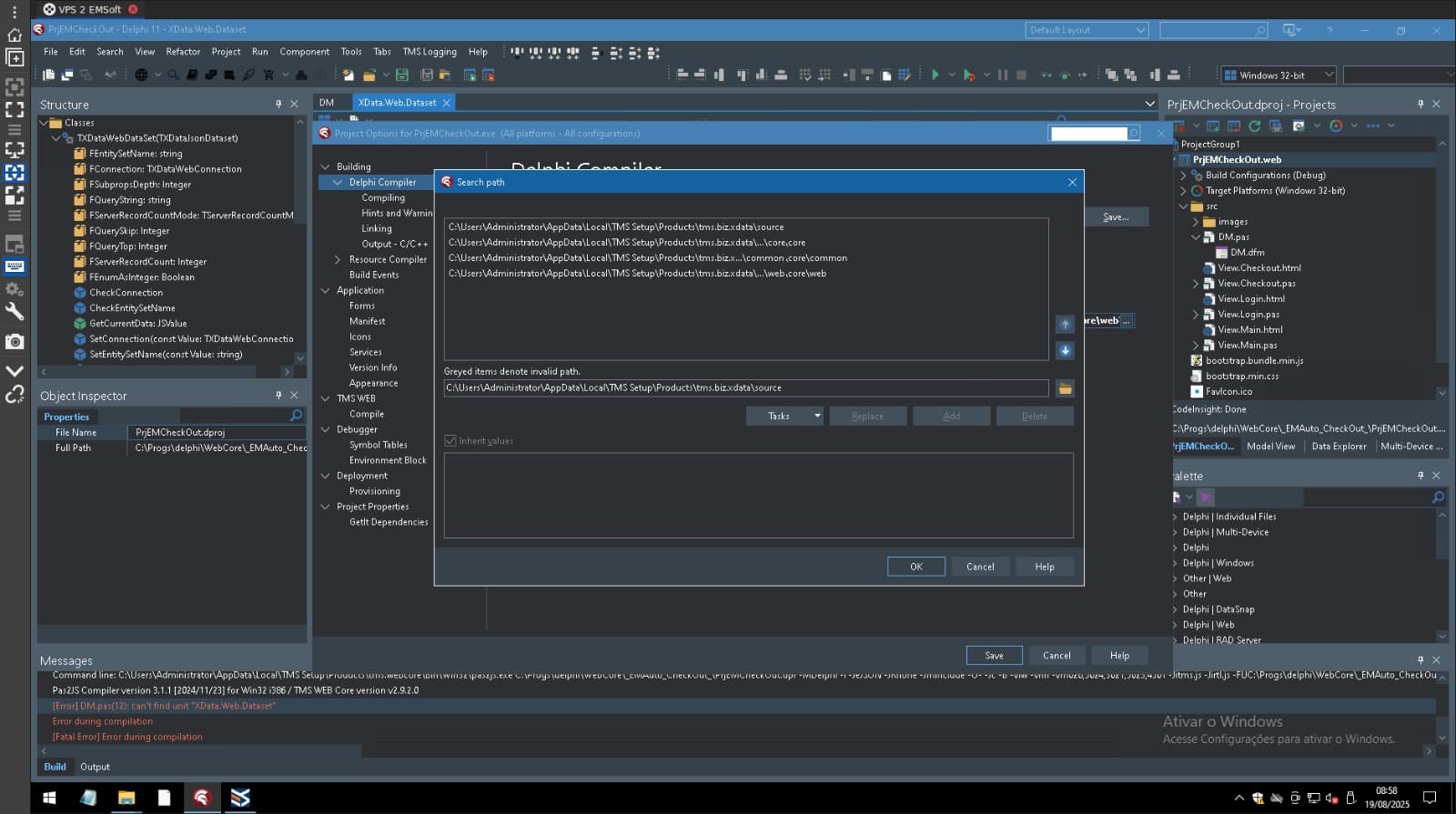
After installing the TMS packages via TMS Smart Setup, when compiling a simple webcore application using XData, I receive errors about units not found. For each unit not found by the compiler, I add them to the project options in the TMS WebCore properties. This means I have to manually enter the paths for each unit the compiler doesn't find. Is this a bug in the installation? Is there a way to speed this up?
You should not need to do that. The installer should take care of everything.
You should not need to manually add paths to the project, and I recommend you don't do so to not mix things.
Please remove any directories you manually added, uninstall everything, reinstall everything and then send us the screenshots of both Delphi library path and Web Core library path (in Delphi options, not in Project options).
Run:
tms uninstall tms.webcore tms.biz.*
tms install tms.webcore tms.biz.*
tms build -full
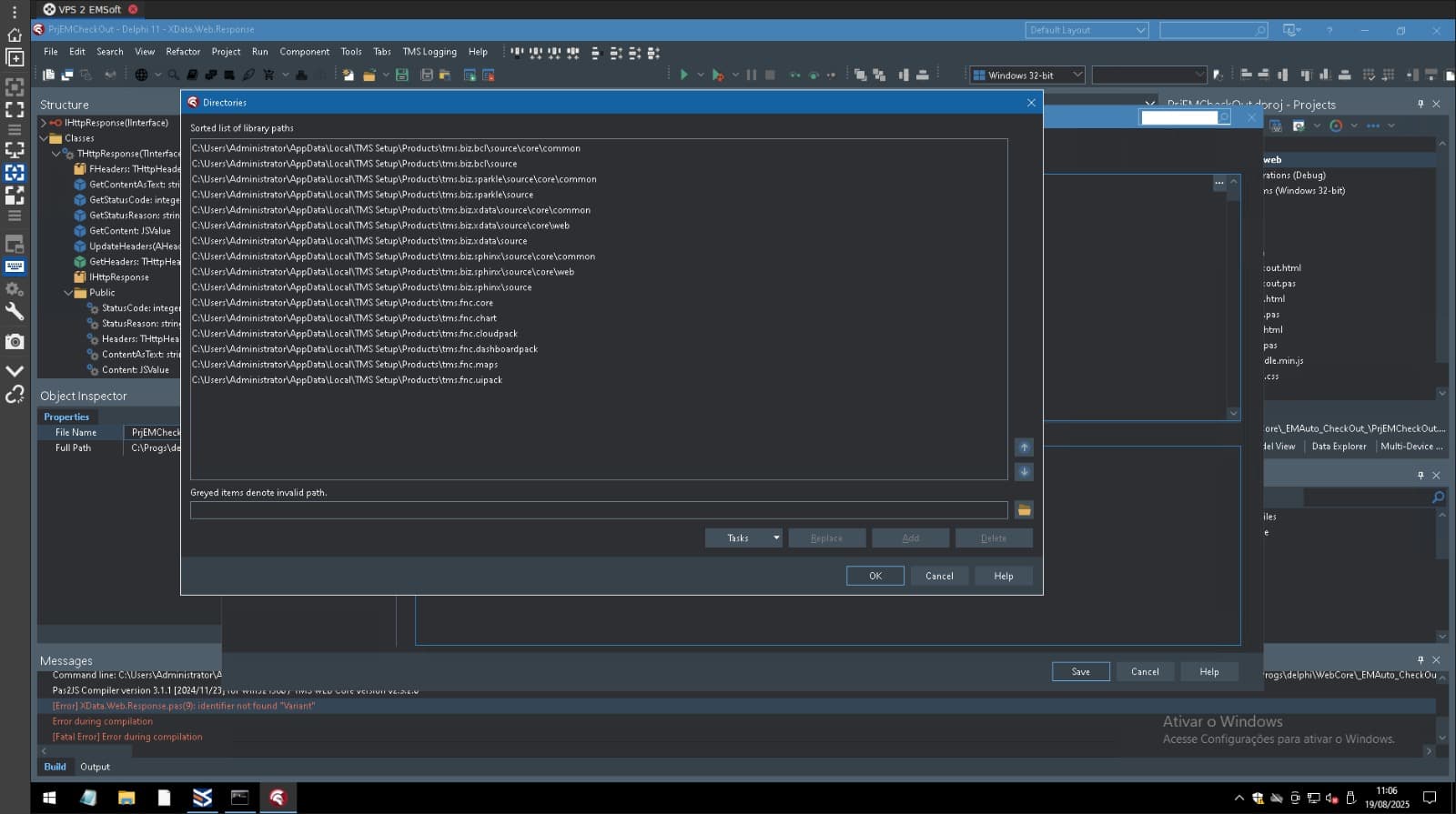
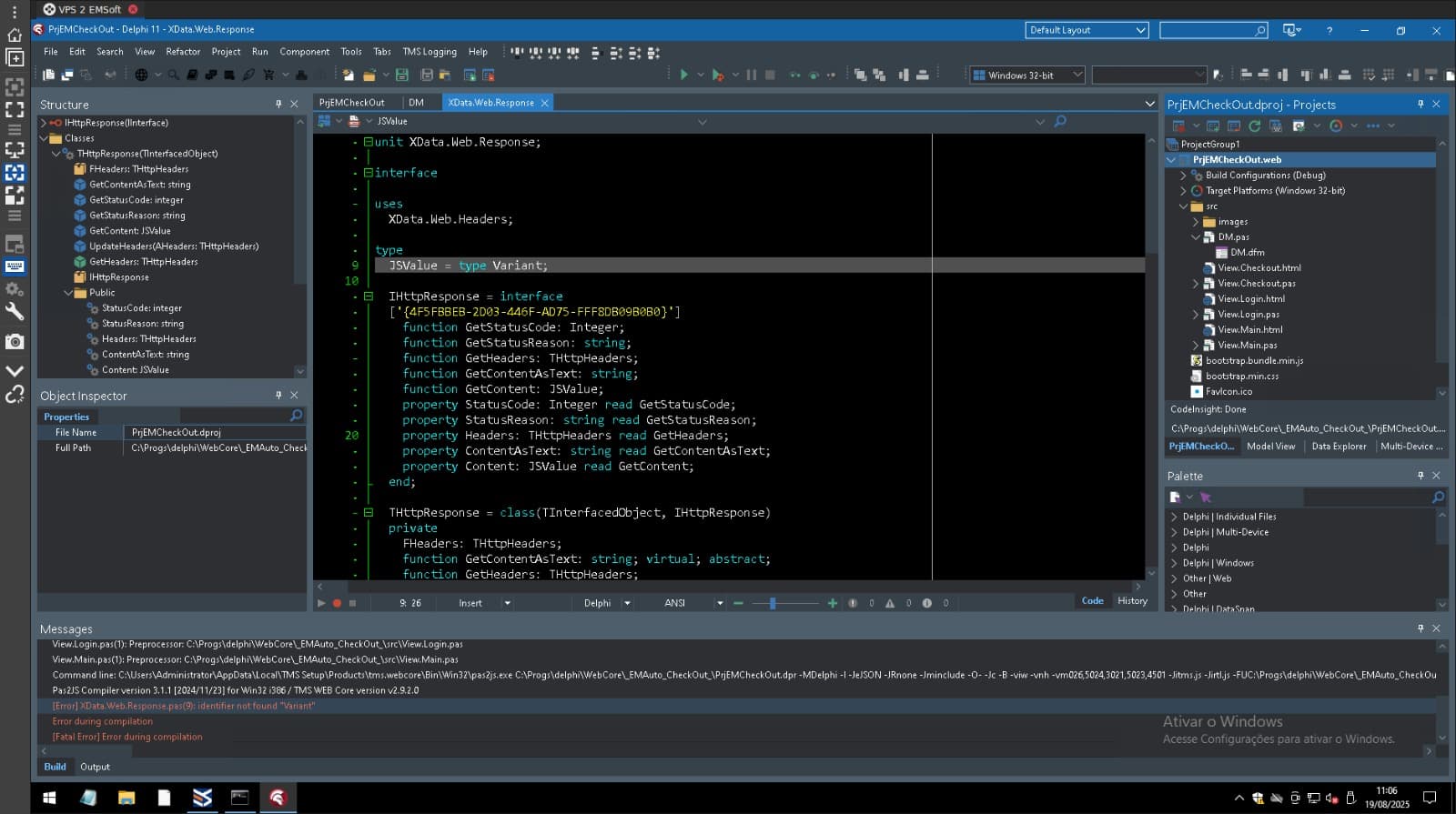
The library paths in the first screenshot are correct. I'm assuming it's the Web Core library path in Tools | Options.
I guess you still have paths in your Web Core search path in project options. Can you please check that?
They were folders in the project options. I removed them and it worked. Thank you.