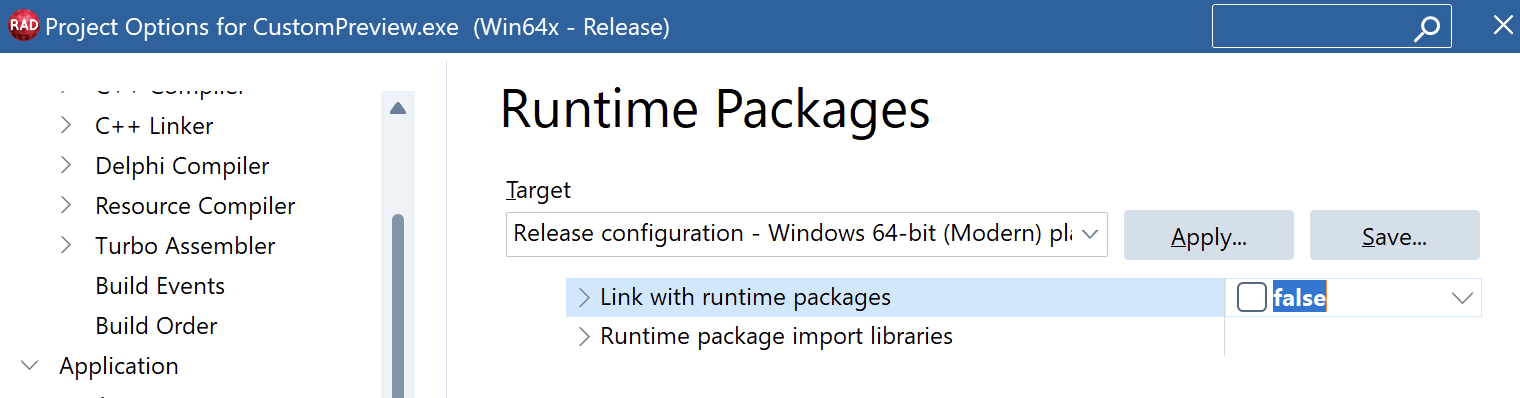
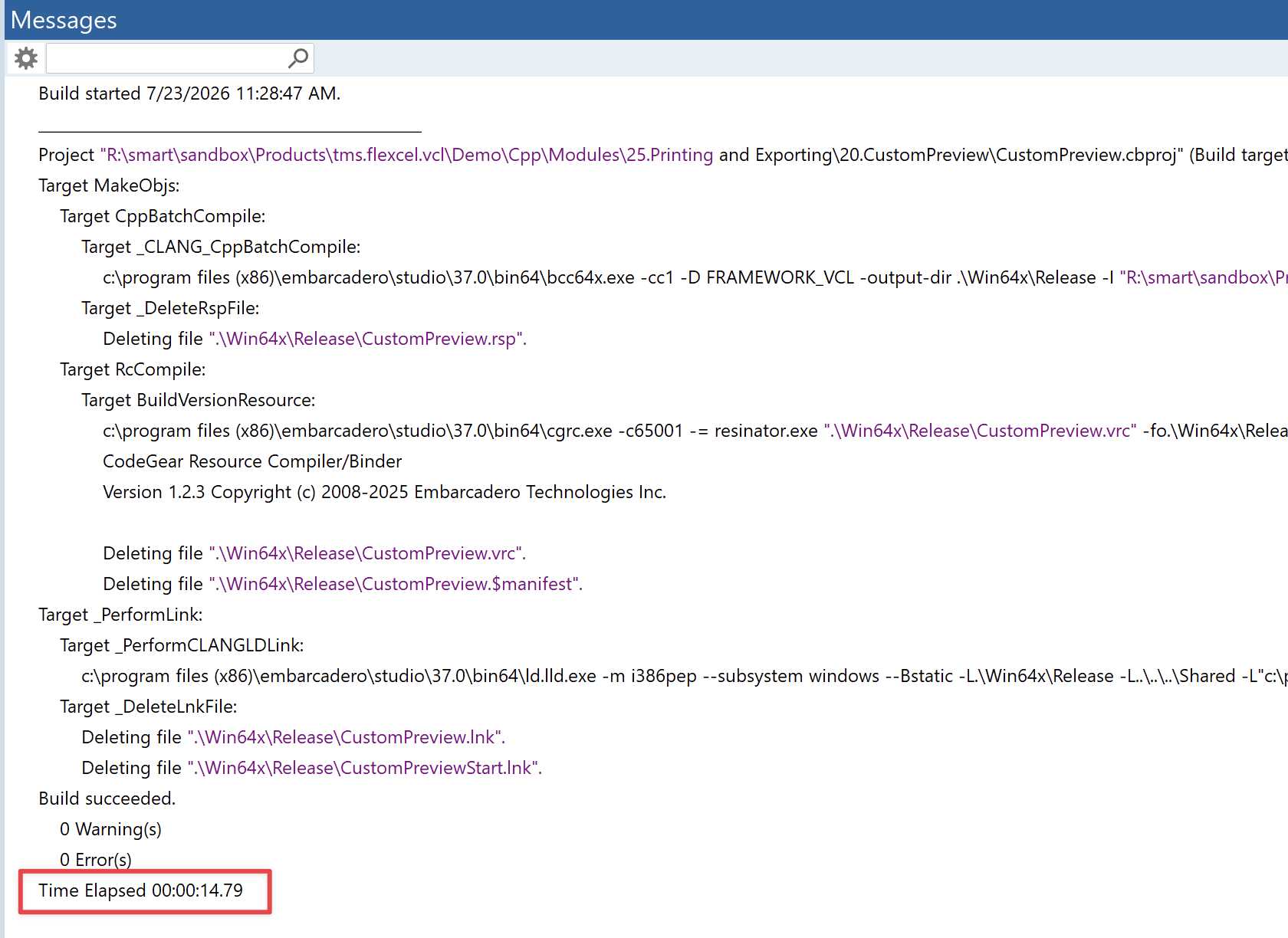
The sample project builds in about 10-15 Seconds.
It is strange how much longer it takes with your app. I am not expert on the linking part, and I know it is not linear ( a twice the size lib won't take twice the time) but still it looks like you are hitting some border case where the linker performance is degrading exponentially. As said, I sadly can't offer a solution, but still I am curious:
- Does it change anything if you temporarily disable the antivirus? (I guess no, but just to be sure)
- If you try compiling in win64 or win64 modern, do the times get better? This is to see if this could be a particular bug in the win32 linker.
Linking dynamically leads to the behavior wo don't want (bpls, that have to be deployed with the appliction).
Yes, I understand that, and again I wish I could provide some better solution. I was just pointing out that deploying bpls with your app is no worse than deploying a dll (which as I understood is what you are currently doing). In fact, while the best is of course a single exe, deploying a bpl should still be better than a dll, since the bpl has some additional checks (That it, you shouldn't be able to use a bpl from a different delphi version, so no problems with a different TFont)
One approach you could use, both it using bpls or dlls to be completely sure, is that when you call the bpl/dll, you verify the version of the bpl/dll, and if it is not the exact number you expect, you refuse to run the app. This is an approach we follow in FlexCel dll ( TMS FlexCel DLL Read, write, manipulate .XLS, .XLSX files and generate PDF or HTML reports from any Windows programming language or application scripting )
The dll provides a XLVersion method:
procedure CheckVersion;
var
  dllVer: Int32;
const
  {$INCLUDE FlexCelDllVersion.inc}
begin
  dllVer := XLVersion;
  if (dllVer <> FlexCelDllVersion32)
    then raise Exception.Create('The version of ' + FLEXCELDLL + ' doesn''t match the version used in the application. '
    + 'Make sure the correct dll is available. '
    + 'Application Version: ' + GetVerStr(FlexCelDllVersion32) + '. FlexCelDyn version: ' + GetVerStr(dllVer));

end;
And in the calling side, we call this code:
procedure CheckVersion;
var
  dllVer: Int32;
const
  {$INCLUDE FlexCelDllVersion.inc}
begin
  dllVer := XLVersion;
  if (dllVer <> FlexCelDllVersion32)
    then raise Exception.Create('The version of ' + FLEXCELDLL + ' doesn''t match the version used in the application. '
    + 'Make sure the correct dll is available. '
    + 'Application Version: ' + GetVerStr(FlexCelDllVersion32) + '. FlexCelDyn version: ' + GetVerStr(dllVer));

end;
So we are sure that the dll we are calling is exactly the version we compiled against. This way we avoid the possibility of using the wrong dll and having, as you mention, wrong objects called and weird errors. If you also ship the dll or bpl with your app, instead of copying it so some shared place like system32, well, it should be not that different from a single exe. Local dlls/bpls are used first if available, so even if you have the wrong dll in system32 or somewhere in your path, the app will load the bpl that is shipped together with the exe.
Again, I am not arguing that a single exe isn't the best solution, I am just saying that you can also use bpls if you ship them with the exe instead of putting them somewhere in the PATH (which is what causes all problems), and you also check that the exact bpl you expect is there. And between shipping a dll or a bpl, I would choose a bpl since you can, as you mention, pass TFonts and stuff. A dll won't even let you pass a string.
And of course, the other thing I mention is that you can have a mixed approach here:
- For release builds (the ones you ship to your customers), ship a single exe. Release builds can normally take a little longer, because they aren't so common, and you can let them working overnight in a nightly build.
- For dev, keep with the dll/bpl approach. In fact, you could even use more dynamic bpls to try to make the time faster than 10 minutes. But you don't ship that to your clients, you just use it to speed up development. When doing the nightly build, you just wait a little longer.