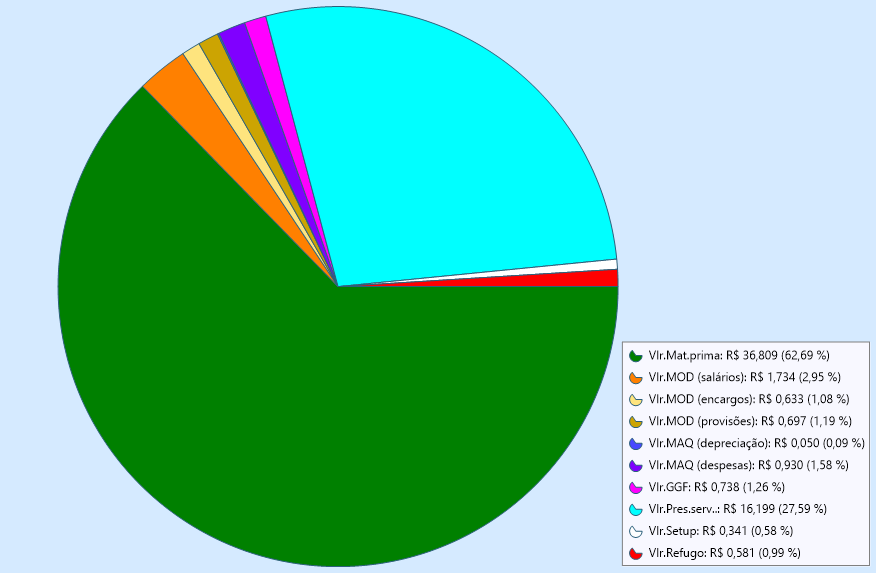
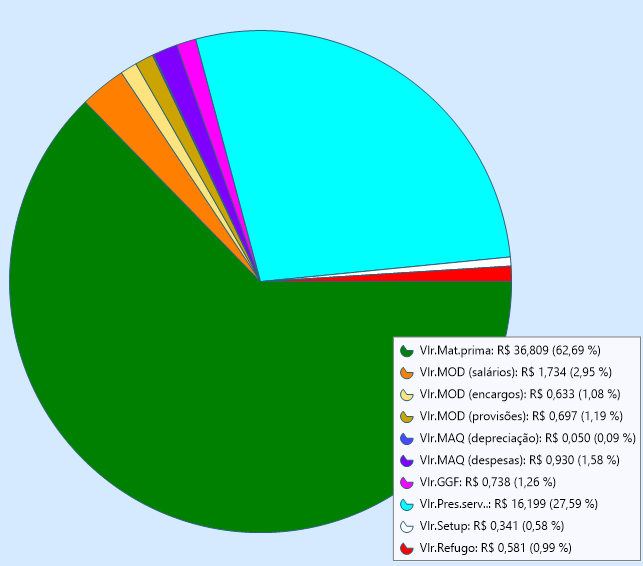
Yes. Enable automatic sizing for the pie and reserve space on the right for the legend:
with TMSFNCChart1 do
begin
  SeriesMargins.Right := 260;
  Series[0].Pie.AutoSize := True;
  Series[0].Legend.Position := lpCenterRight;
end;
SeriesMargins.Right prevents the pie from being drawn underneath the legend. With Pie.AutoSize enabled, the pie is automatically recalculated when the form or chart is resized.
Adjust 260 according to the width of your legend. No OnResize event is required.