Hi,
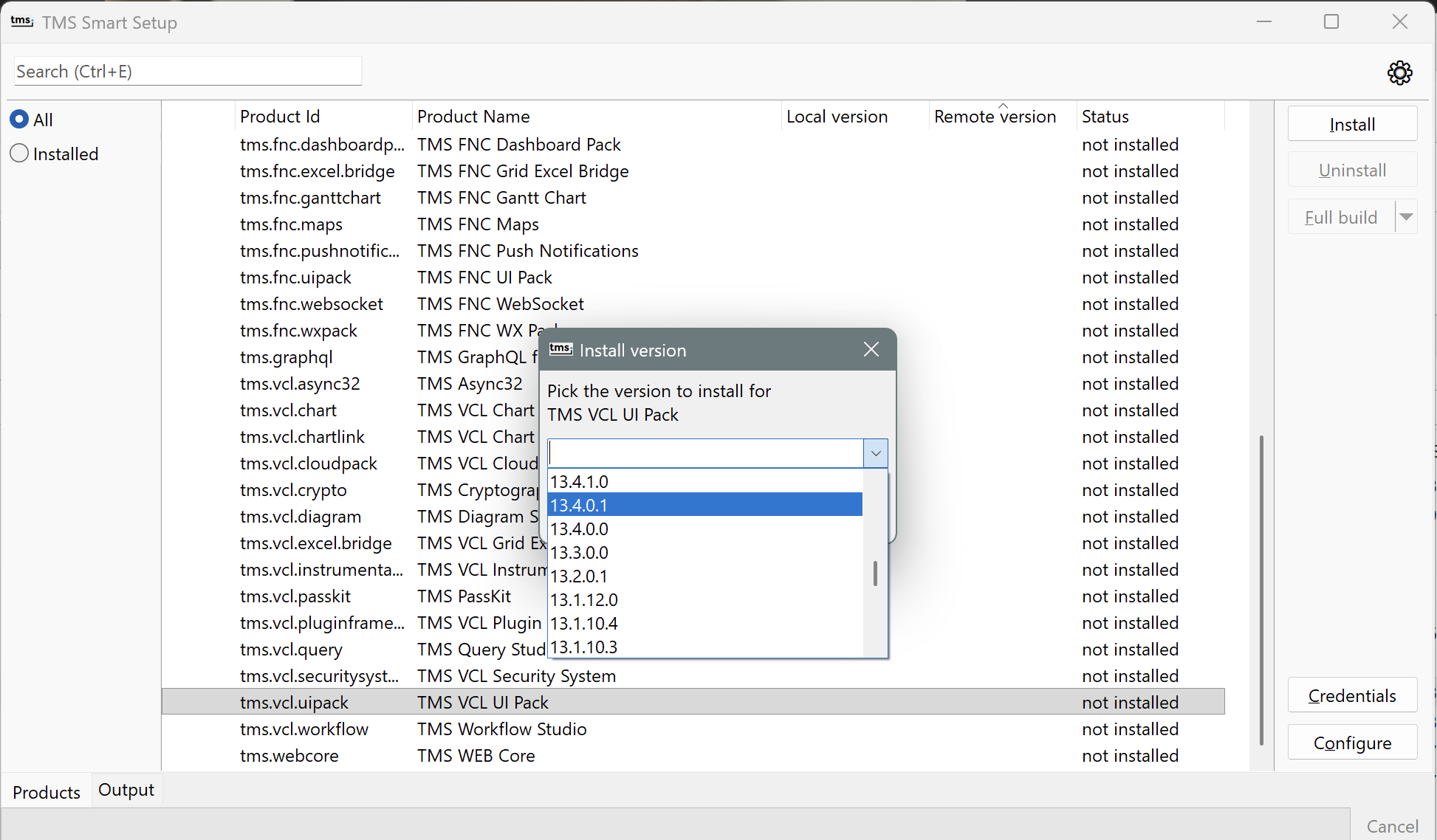
TMS Dashboard currently doesn't support installing older versions. To install an older version, launch tmsgui.exe instead (it comes with smartsetup). Right click in TMS VCL UI Pack, click "Install version" and you will see a list of versions to install:
tmsgui and dashboard are fully compatible, so you can use tmsgui to install ui pack, then dashboard to uninstall it, or install the rest of components. But right now, to install a version, you need to do it from tmsgui.exe or the command line directly.